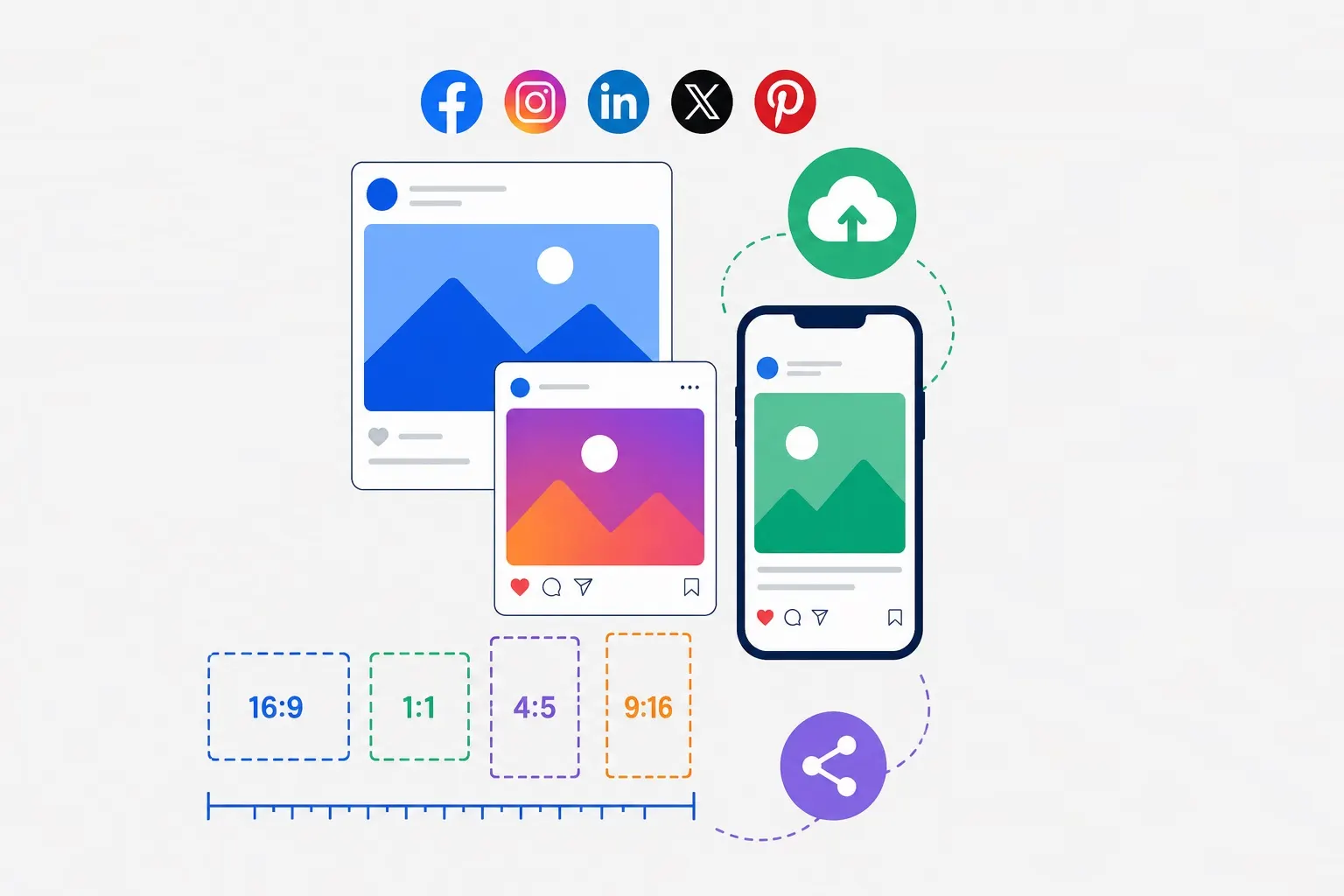
Getting image dimensions wrong means cropped profile pictures, blurry banners, and posts that look amateurish. Social media platforms frequently update their display rules and recommended dimensions, and keeping up with changes is essential for maintaining a professional presence. This comprehensive guide covers the current recommended sizes for every major platform as of 2025, plus best practices for optimizing images for each.
Why Image Dimensions Matter
Each social platform uses its own display logic. Upload an image at the wrong dimensions, and the platform will either crop it aggressively, resize it poorly, or display it with awkward letterboxing. Worse, different platforms have different aspect ratio requirements—what works perfectly on Instagram might get butchered on LinkedIn. Understanding each platform's specifications ensures your images look exactly as intended.
Instagram Image Sizes
Instagram remains the most image-centric platform, and it offers multiple display formats. Getting dimensions right is critical because Instagram crops images aggressively in the feed if they don't meet aspect ratio requirements.
Feed Posts
- Square: 1080×1080px (1:1 ratio) — This is the classic Instagram format that works reliably across all display contexts.
- Portrait: 1080×1350px (4:5 ratio) — This is the most screen-efficient format, taking up more vertical space in the feed. Use this for maximum visibility.
- Landscape: 1080×566px (1.91:1 ratio) — Best for wide scenes or when you need to show horizontal context.
Pro tip: The 4:5 portrait format (1080×1350) consistently gets the most engagement because it occupies more screen real estate in the feed. Avoid extremely tall images (anything beyond 4:5) as they'll be heavily cropped.
Stories and Reels
- Dimensions: 1080×1920px (9:16 ratio)
- Safe zone: Keep important content within the center 1080×1420px to avoid cropping by platform UI elements (profile header, action buttons).
- Video length: Reels can be up to 90 seconds; Stories up to 60 seconds per segment.
Profile Picture
- Display size: 110×110px on mobile, but upload at 320×320px minimum.
- Format: Instagram displays profile pictures as circles, so ensure your subject is centered and not cropped at edges.
- Best practice: Upload at 1080×1080px and let Instagram handle the downscaling for the best results.
Facebook Image Sizes
Facebook handles images across multiple contexts—feeds, pages, events, and groups. While the platform has become less image-focused over time, proper sizing still matters for professional pages.
Feed Posts
- Recommended: 1200×630px (1.91:1 ratio)
- Minimum: 600×315px for link shares
- Aspect ratio tolerance: Facebook accepts images from 1.91:1 to 1:1, but will crop anything beyond these ranges.
Cover Photos
- Desktop: 820×312px
- Mobile: 640×360px (cropped from the desktop version)
- Important: Profile pictures overlay the cover photo on the left side (desktop) or center (mobile), so avoid placing critical elements in the bottom left or center.
Profile Picture
- Display: 170×170px on desktop, 128×128px on mobile
- Upload: 320×320px minimum for crisp rendering
- Format: Displayed as a circle on modern Facebook, so center your subject.
Event Images
- Cover: 1200×628px
- Thumbnail: 192×108px (automatically generated)
Group Cover Photos
- Dimensions: 1640×856px
- Groups have slightly different dimensions than pages—don't reuse page covers without checking.
X (Twitter) Image Sizes
X (formerly Twitter) has evolved its image handling over the years. Currently, the platform supports multiple aspect ratios and offers better previews than ever.
In-Stream Images
- Recommended: 1600×900px (16:9 ratio)
- Minimum: 600×335px
- Maximum file size: 5MB for photos, 15MB for GIFs
- Best practice: For multi-image tweets, all images should have consistent dimensions—mixing sizes results in awkward collage layouts.
Profile Picture
- Upload: 400×400px
- Display: 200×200px (desktop), 168×168px (mobile)
- Format: Displayed as a circle
Header Image
- Dimensions: 1500×500px (3:1 ratio)
- Safe zone: Profile picture overlays the bottom left of the header, so avoid putting text or critical elements there.
- Mobile cropping: The mobile header is cropped differently—centered content is safer than edge-aligned text.
Card Images (Link Previews)
- Dimensions: 1200×628px (1.91:1 ratio)
- When you share a link, X will scrape the Open Graph image. Providing correctly sized OG images ensures your link previews look professional.
LinkedIn Image Sizes
LinkedIn is the platform for professional content, and image quality matters for credibility. The platform has specific requirements for different content types.
Feed Posts
- Recommended: 1200×627px (1.91:1 ratio)
- Minimum: 552×276px
- Maximum file size: 5MB
- Multi-image posts: Up to 9 images, all should have consistent dimensions for best display.
Profile Picture
- Upload: 400×400px minimum
- Display: 112×112px (desktop), 96×96px (mobile)
- Format: Displayed as a circle
Cover Image (Background Photo)
- Dimensions: 1584×396px (4:1 ratio)
- Safe zone: Profile picture overlays the center-left of the cover, so avoid placing text there.
- Mobile considerations: The cover image is cropped differently on mobile—test before finalizing.
Company Logo
- Display: 300×300px (desktop), 60×60px (mobile)
- Upload: 400×400px minimum for sharp rendering
- Format: Displayed as a square on company pages, circle in feed mentions
Company Banner Image
- Dimensions: 1536×768px (2:1 ratio)
- This appears at the top of company pages—make sure text is readable against background.
Pinterest Image Sizes
Pinterest is essentially a visual discovery engine, and image dimensions directly impact performance. The platform strongly favors vertical images.
Standard Pins
- Recommended: 1000×1500px (2:3 ratio)
- Aspect ratio: Pinterest prefers 2:3 to 1:2.1 (tall and vertical)
- Minimum width: 600px (smaller pins may not display well)
- Maximum file size: 20MB
Idea Pins
- Dimensions: 1080×1920px (9:16 ratio)
- Idea Pins are Pinterest's video-first format—similar to Instagram Stories but with Pinterest's discovery engine.
Profile Picture
- Dimensions: 160×160px (upload at 320×320px for crisp rendering)
- Displayed as a circle in most contexts
TikTok Image Sizes
TikTok is primarily video, but still images (as photo slideshows) are increasingly common.
Video Thumbnails / Cover Images
- Dimensions: 1080×1920px (9:16 ratio)
- Thumbnails should be high-contrast and visually engaging to stand out in the feed.
Photo Slideshows
- Dimensions: 1080×1920px (9:16) — same as videos
- Images will be displayed full-screen on mobile devices.
Profile Picture
- Dimensions: 200×200px (upload at 400×400px)
- Displayed as a circle
YouTube Image Sizes
For video platforms, thumbnails are the most critical images—they directly impact click-through rates.
Video Thumbnails
- Recommended: 1280×720px (16:9 ratio)
- Minimum: 640×360px
- Maximum file size: 2MB
- Best practice: Use high-contrast colors, readable text, and close-up faces for maximum engagement. YouTube displays thumbnails at various sizes, so ensure text is legible even at small sizes.
Channel Banner
- Dimensions: 2560×1440px
- Safe area: Keep important content within the center 1546×423px (desktop) to avoid cropping on different devices.
- YouTube's banner displays differently across TV, desktop, tablet, and mobile—test all views.
Channel Icon
- Dimensions: 800×800px
- Displayed at 98×98px in most contexts, so ensure the design is simple and recognizable at small sizes.
General Optimization Tips for Social Media Images
Beyond dimensions, these best practices will improve your social media imagery:
- Compress before uploading: Social platforms recompress images anyway, but starting with a compressed file ensures you don't lose quality twice. Use our Image Compressor for optimal file sizes.
- Use the right format: For photographs, use JPG or WebP. For graphics with text or logos, use PNG.
- Test on multiple devices: What looks good on desktop may crop poorly on mobile. Always preview on both.
- Keep text readable: If your image includes text, ensure it remains legible at small sizes and against any background.
- Brand consistently: Use consistent colors, fonts, and layouts across platforms to build brand recognition.
- Consider accessibility: High contrast, readable fonts, and alternative text descriptions make your images accessible to more users.
How to Resize Images for Social Media
Our Image Resizer includes one-click presets for all the dimensions covered in this guide. Upload your original image, select the platform and content type, and download perfectly sized images ready for posting. The tool also supports batch processing—ideal for creating multiple versions for different platforms from a single source image.
Keeping Up with Changes
Social media platforms update their dimensions and display rules regularly. Bookmark this guide and check back for updates, or follow our newsletter for notification when dimensions change. For the most current information, always test images on the platform itself before finalizing designs—platforms sometimes have undocumented variations from official specifications.