What is Image to PDF?
An image to PDF tool combines image files into a PDF document. It is useful for receipts, forms, scanned notes, product photos, screenshots, and sharing multiple images as a single file. It helps turn loose image files into a single document that is easier to save, print, email, or archive.
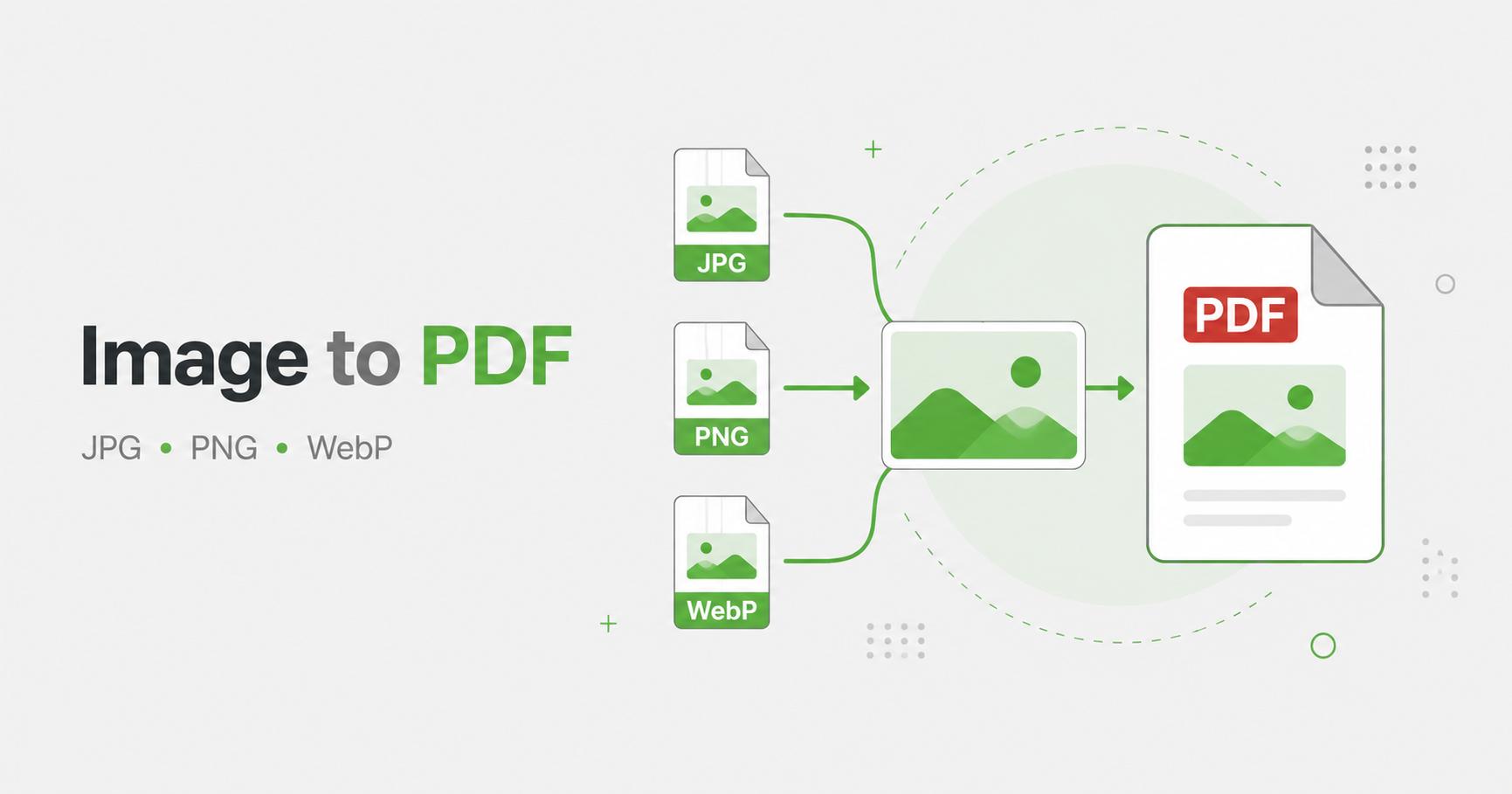
How to Use Image to PDF
- Upload one or more images.
- Adjust PDF image quality if needed.
- Click Create PDF.
- Wait for the PDF builder to finish.
- Download the PDF file.
Turn images into a cleaner document
Image to PDF is useful when separate image files need to become one organized document. Receipts, forms, whiteboard photos, handwritten notes, screenshots, and scanned pages are easier to send and archive as a PDF than as many separate attachments.
A PDF also helps preserve page order. Instead of sending a collection of files that may be rearranged by an app or email client, you can create one document with each image placed on its own page.
Best settings for PDF output
Use higher quality when the PDF contains text, diagrams, UI screenshots, or documents that need to stay readable. Use a lower quality setting when the PDF is mostly photos and the final file size matters more than perfect detail.
Before exporting, check that your images are already cropped and rotated correctly. The PDF tool is best for combining prepared images into one document; cropping or rotating first usually gives a cleaner final result.
When PDF is better than image files
Frequently Asked Questions
Can I combine multiple images into one PDF?
Yes. Multiple uploaded images become pages in one PDF file.
Which image formats are supported?
The tool supports browser-decodable image formats such as JPG, PNG, WebP, GIF, BMP, and SVG.
Does PDF creation remove metadata?
Images are re-encoded before being embedded, which usually removes typical image metadata from the PDF pages.
Related Tools