What is Image Blur?
An image blur tool softens visual details by spreading nearby pixels together. Blur is useful for hiding private information, softening backgrounds, creating previews, and reducing visual distraction in screenshots or photos.
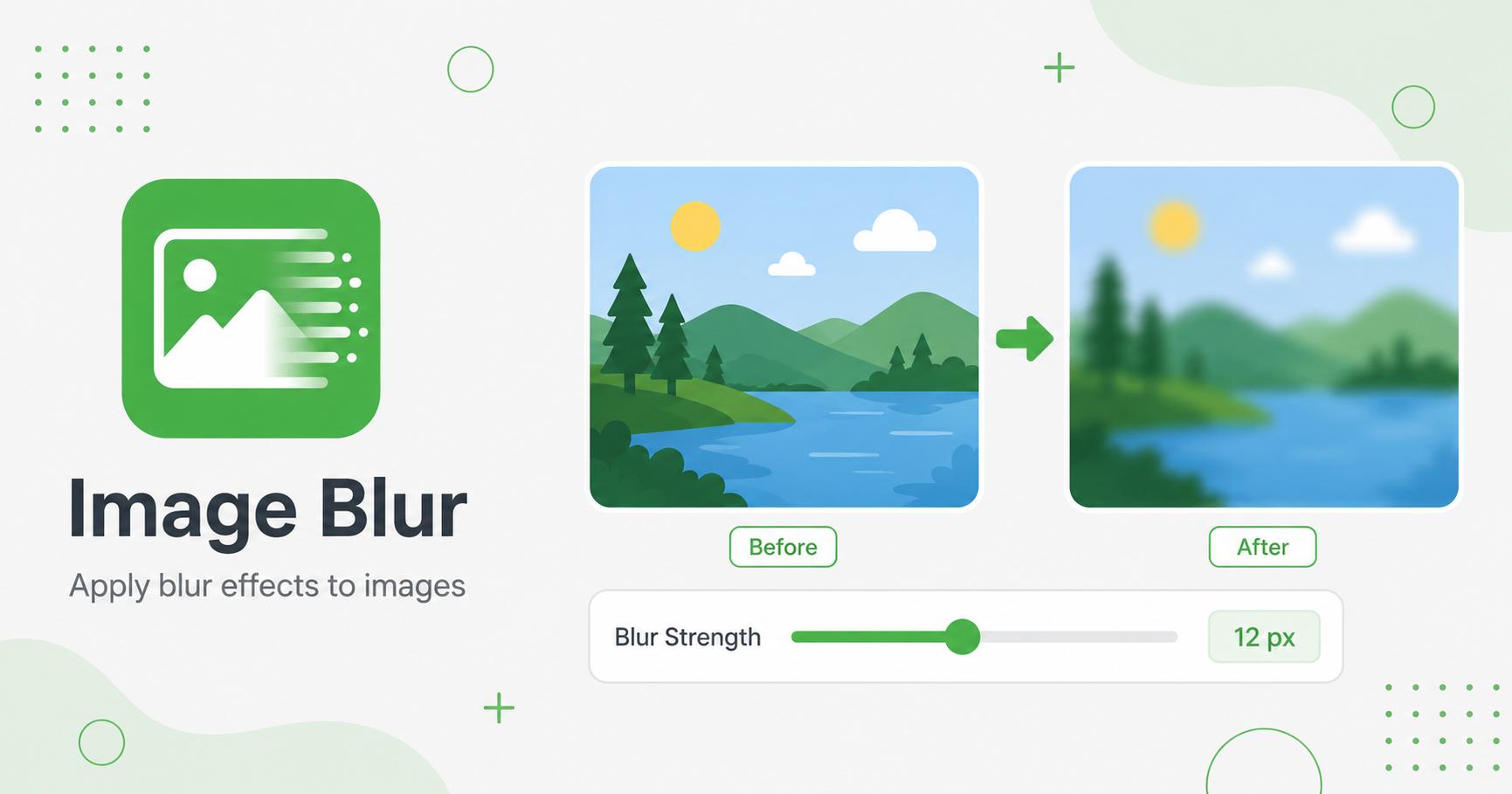
Apply smooth blur to images to hide details or soften the look of a photo.
Drop images here
or
JPG, PNG, WebP, AVIF, GIF, BMP, SVG · max 50.00 MB/file · max 20 files
An image blur tool softens visual details by spreading nearby pixels together. Blur is useful for hiding private information, softening backgrounds, creating previews, and reducing visual distraction in screenshots or photos.
Blur softens details in an image. It can hide sensitive information, reduce background distraction, create depth, or prepare a soft visual background for text overlays. Compared with pixelation, blur feels smoother and more natural in design layouts.
This tool is useful for screenshots, profile backgrounds, hero images, presentation visuals, and article graphics where you want the subject or message to stand out.
Use light blur for design effects and strong blur for hiding details. If text is still readable after blurring, increase the strength or combine blur with cropping. For backgrounds behind text, choose a blur level that reduces detail but keeps color and shape attractive.
Blur can reduce perceived sharpness, so use it only where softness is intended.