What is Image EXIF Remover?
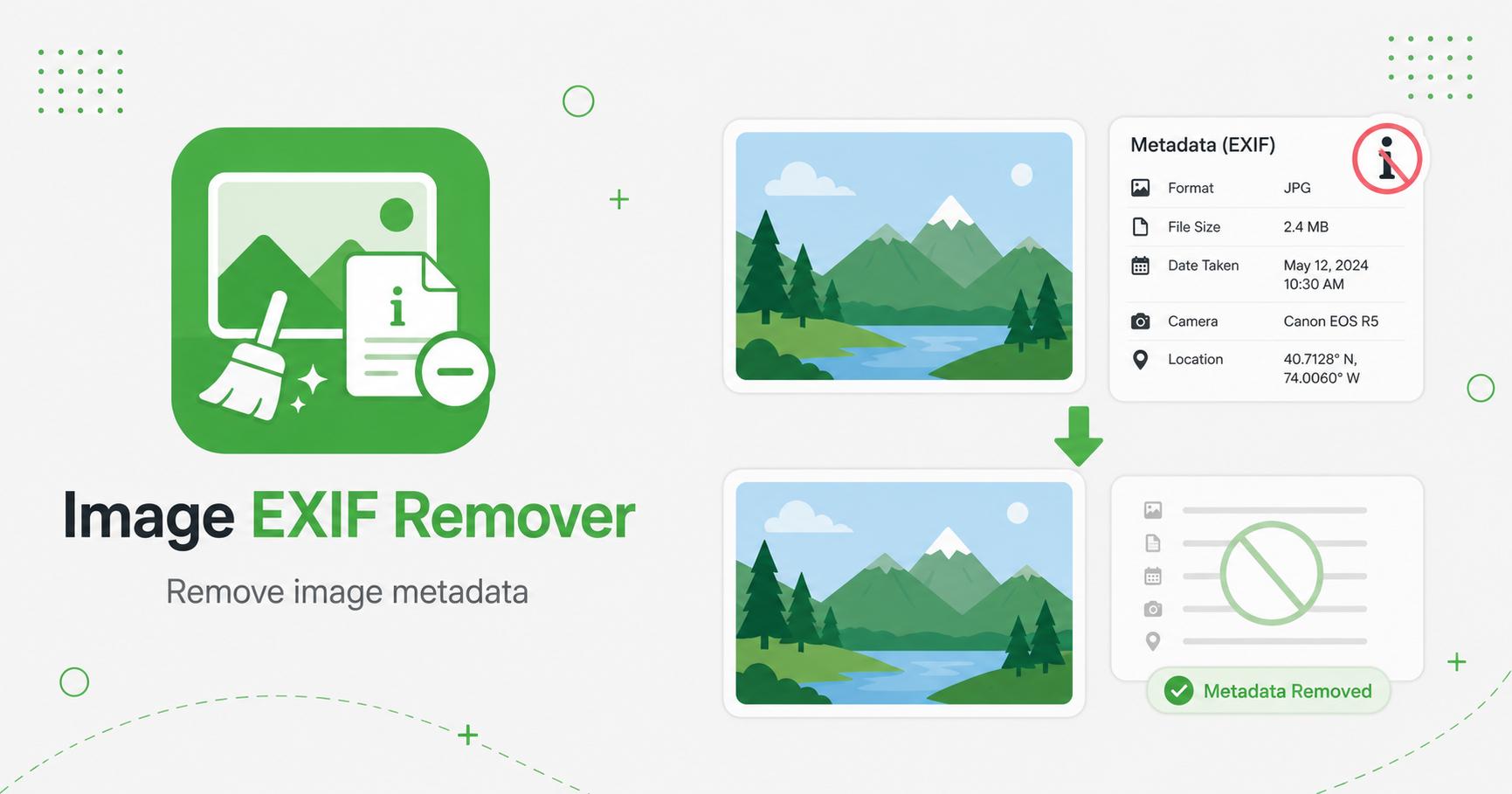
An EXIF remover strips hidden metadata from image files. EXIF metadata can include camera model, lens settings, date, software, and sometimes GPS location. ImageCub removes metadata by drawing the image to a canvas and exporting a clean new file.
How to Use Image EXIF Remover
- Upload one or more images.
- Choose the output format.
- Click Process Images.
- ImageCub exports a clean re-encoded copy.
- Download the image with metadata removed.
Remove hidden EXIF data from images
EXIF data can store camera settings, capture time, device model, orientation, software, and sometimes GPS location. For public publishing, this extra information is often unnecessary. Removing EXIF data creates a cleaner output file for websites, blogs, marketplaces, and social sharing.
This tool is useful before uploading personal photos, client images, sample files, screenshots, or assets that should not include hidden camera or device information.
When to keep EXIF
Do not remove EXIF if you need original camera data for photography review, legal records, evidence, cataloging, or archival workflows. Metadata can be valuable when file history matters.
For regular web publishing, however, a cleaned export is usually easier and lighter. Keep a private original separately if you might need the metadata later.
Publishing checklist
Frequently Asked Questions
What metadata is removed?
Canvas re-encoding removes most embedded metadata, including typical EXIF camera and GPS fields.
Will image quality change?
If you export JPG or WebP, quality depends on the selected quality setting. PNG output is generally lossless but may be larger.
Why remove EXIF data?
Removing EXIF helps protect privacy before sharing photos publicly or sending files to other people.
What does EXIF removal change?
It creates a cleaned export that removes common image metadata while keeping the visible image content.
Related Tools