What is Image HEIC/HEIF to JPG?
A HEIC/HEIF to JPG converter changes modern iPhone photo files into the widely supported JPG format. The result is easier to use in websites, forms, editors, email apps, and older systems that do not support HEIC well.
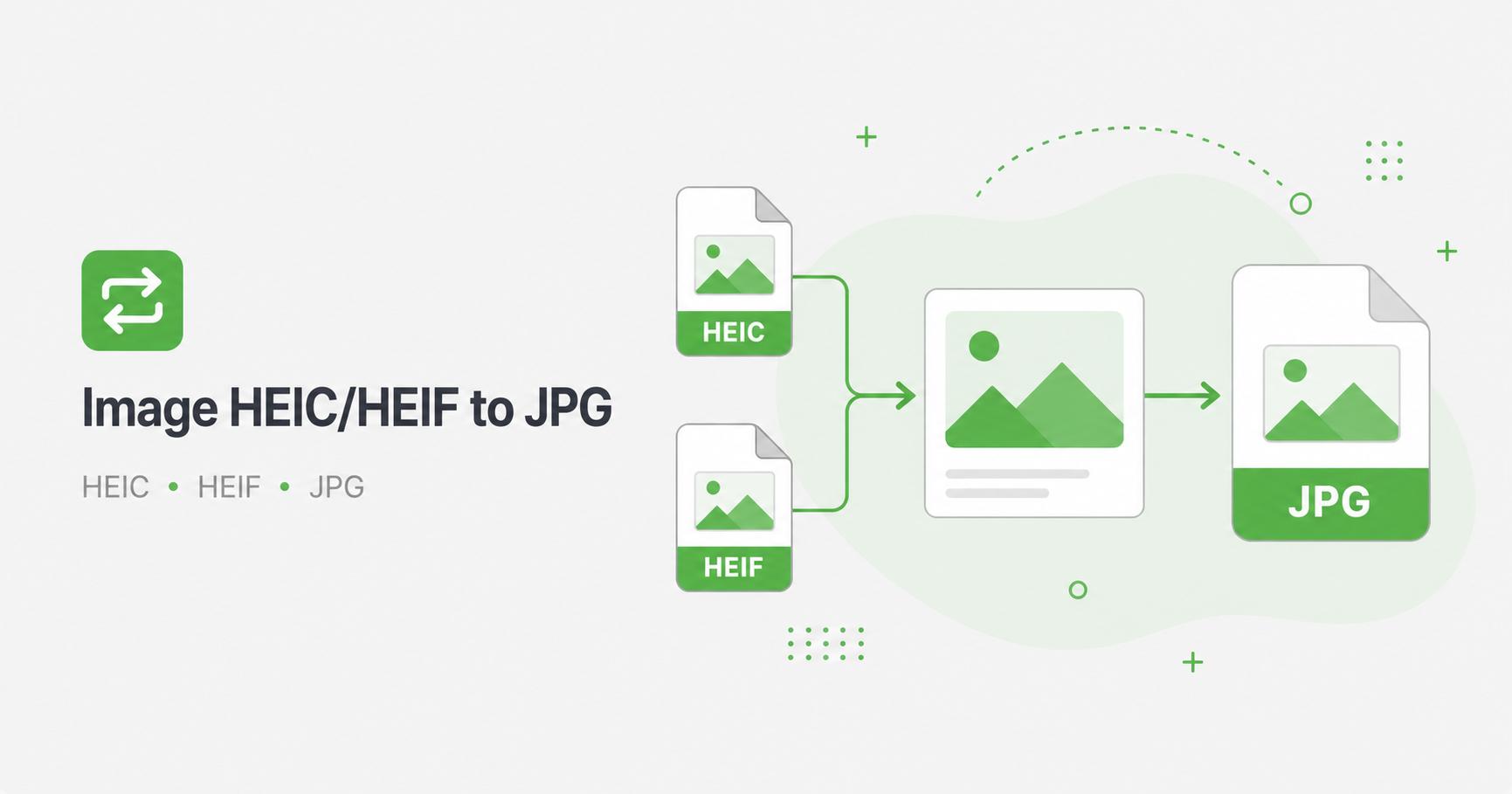
How to Use Image HEIC/HEIF to JPG
- Upload HEIC or HEIF image files.
- Choose the JPG quality level.
- Click Convert to JPG.
- Wait for the conversion to finish.
- Download the JPG image or ZIP file.
Why convert HEIC or HEIF to JPG?
HEIC and HEIF are efficient photo formats often used by iPhone and iPad cameras. They can store high-quality images in smaller files, but not every website, form, editor, or older device accepts them. JPG remains one of the most widely supported image formats.
Converting HEIC or HEIF to JPG makes the photo easier to upload, edit, share, print, or use in a website. This is especially helpful for job forms, school forms, marketplaces, CMS uploads, email attachments, and older Windows workflows.
JPG quality tips
JPG is a lossy format, so quality settings matter. For personal photos and product images, a quality value around 85 usually gives a good balance. For smaller attachments, lower values can reduce file size further, but inspect faces, text, and fine detail before using the result.
If the original HEIC photo has very high resolution, consider resizing it after conversion when the final use does not need the original camera dimensions.
Good use cases
Frequently Asked Questions
Why does HEIC conversion take longer?
HEIC files need extra decoding before JPG export, so very large iPhone photos may take more time than regular JPG or PNG images.
Why convert HEIC to JPG?
JPG is more widely supported by websites, forms, editors, and older devices.
Can I convert multiple HEIC files?
Yes. Batch conversion is supported and multiple outputs download as a ZIP.
Does this need a dependency?
The project uses a client-side HEIC decoder package. Run pnpm install before building the site.
Related Tools