What is WebP/AVIF to PNG/JPG Converter?
A WebP/AVIF to PNG/JPG converter changes modern web image formats into more widely supported PNG or JPG files. Use it when an editor, CMS, or document tool needs PNG or JPG instead.
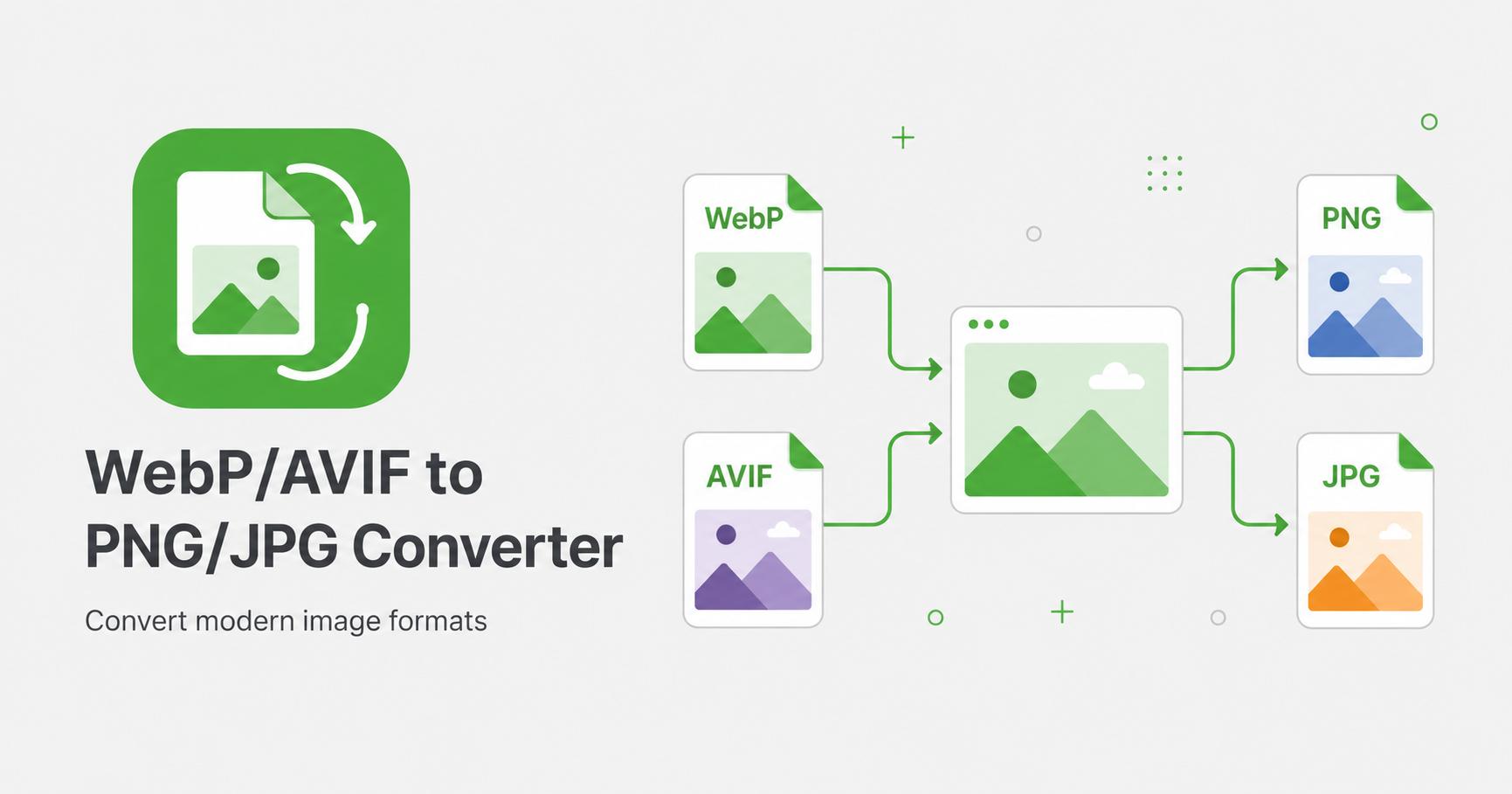
Convert WebP and AVIF images to PNG or JPG.
Drop images here
or
WebP, AVIF · max 50.00 MB/file · max 20 files
A WebP/AVIF to PNG/JPG converter changes modern web image formats into more widely supported PNG or JPG files. Use it when an editor, CMS, or document tool needs PNG or JPG instead.
WebP and AVIF are modern image formats designed for efficient web delivery. They are great for performance, but some older editors, upload forms, document tools, or design workflows may still prefer PNG or JPG. This converter helps create a more compatible copy.
Use PNG when you need transparency or crisp graphics. Use JPG when you need a smaller, widely accepted photo format.
Choose PNG for logos, screenshots, graphics, icons, and files with transparent backgrounds. Choose JPG for photos, large visual assets, and situations where smaller file size matters more than transparency.
If the source image has transparency and you export to JPG, transparent areas will be flattened because JPG does not support alpha transparency.