What is Image Upscale?
An image upscale tool increases the pixel dimensions of an image. It creates a larger output copy, which is useful for thumbnails, previews, and layouts that need a bigger image size.
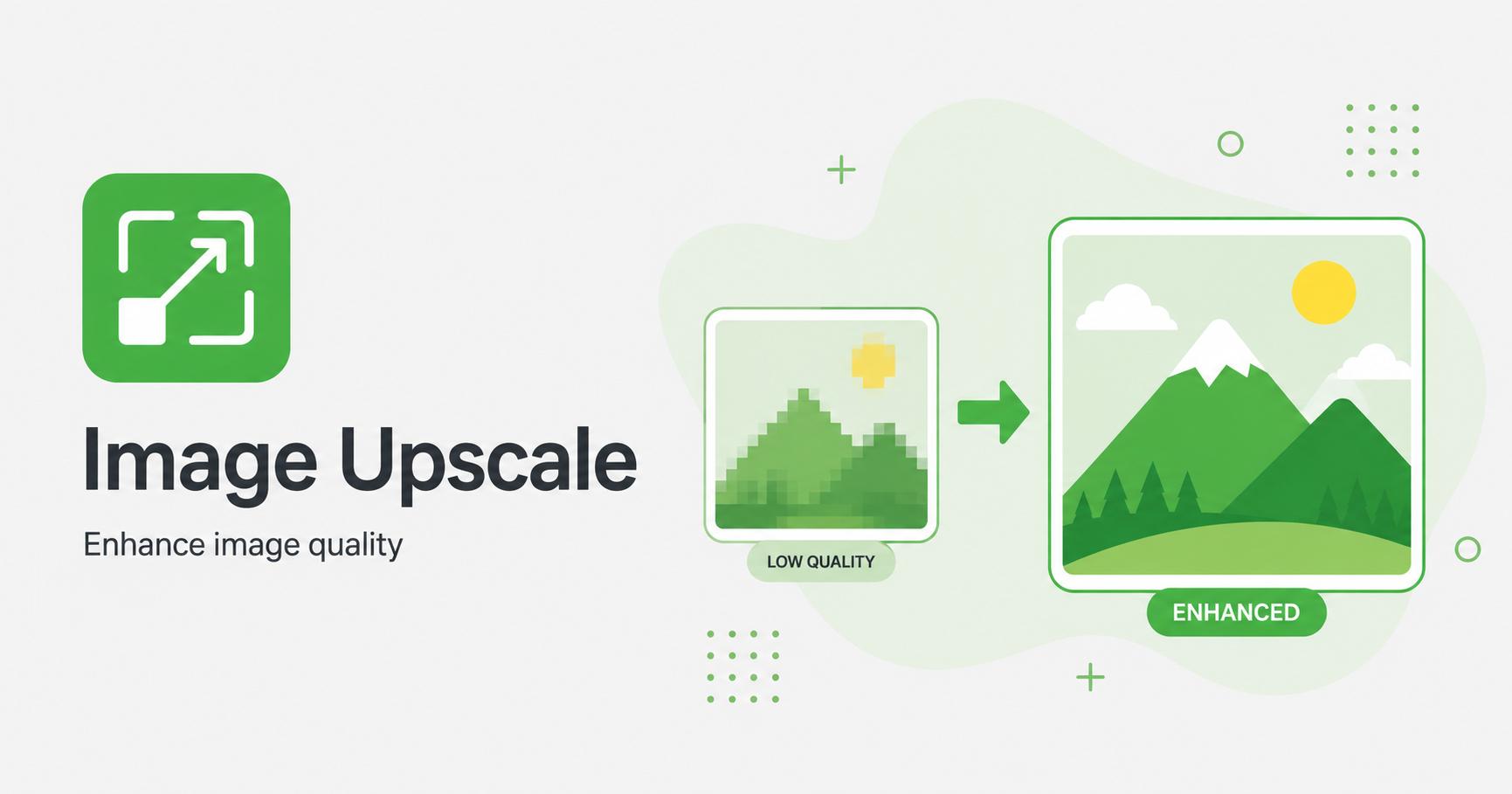
Enlarge images by 2x, 3x, or 4x with simple export controls.
Drop images here
or
JPG, PNG, WebP, AVIF, GIF, BMP, SVG · max 50.00 MB/file · max 20 files
An image upscale tool increases the pixel dimensions of an image. It creates a larger output copy, which is useful for thumbnails, previews, and layouts that need a bigger image size.
Upscaling increases the pixel dimensions of an image. It is useful when a small image needs to fit a larger layout, preview, card, or export size. The result can look smoother than simply stretching the image in a page or editor.
Upscaling is not magic: it cannot restore real camera detail that was never present. It works best for simple graphics, icons, screenshots, illustrations, and images that only need a moderate size increase.
Avoid heavy upscaling for blurry photos, tiny thumbnails, or images with important fine detail. Enlarging too much can make artifacts more visible. When quality matters, try to find a larger source image instead.
For web publishing, resize down from a large original whenever possible. Use upscaling only when the available source is smaller than the required layout.