What is Color Picker / Eye Dropper?
A color picker lets you sample an exact color from an image or the screen and copy it as HEX, RGB, or HSL. Use it to match brand colors, sample UI colors, or build a palette from an image.
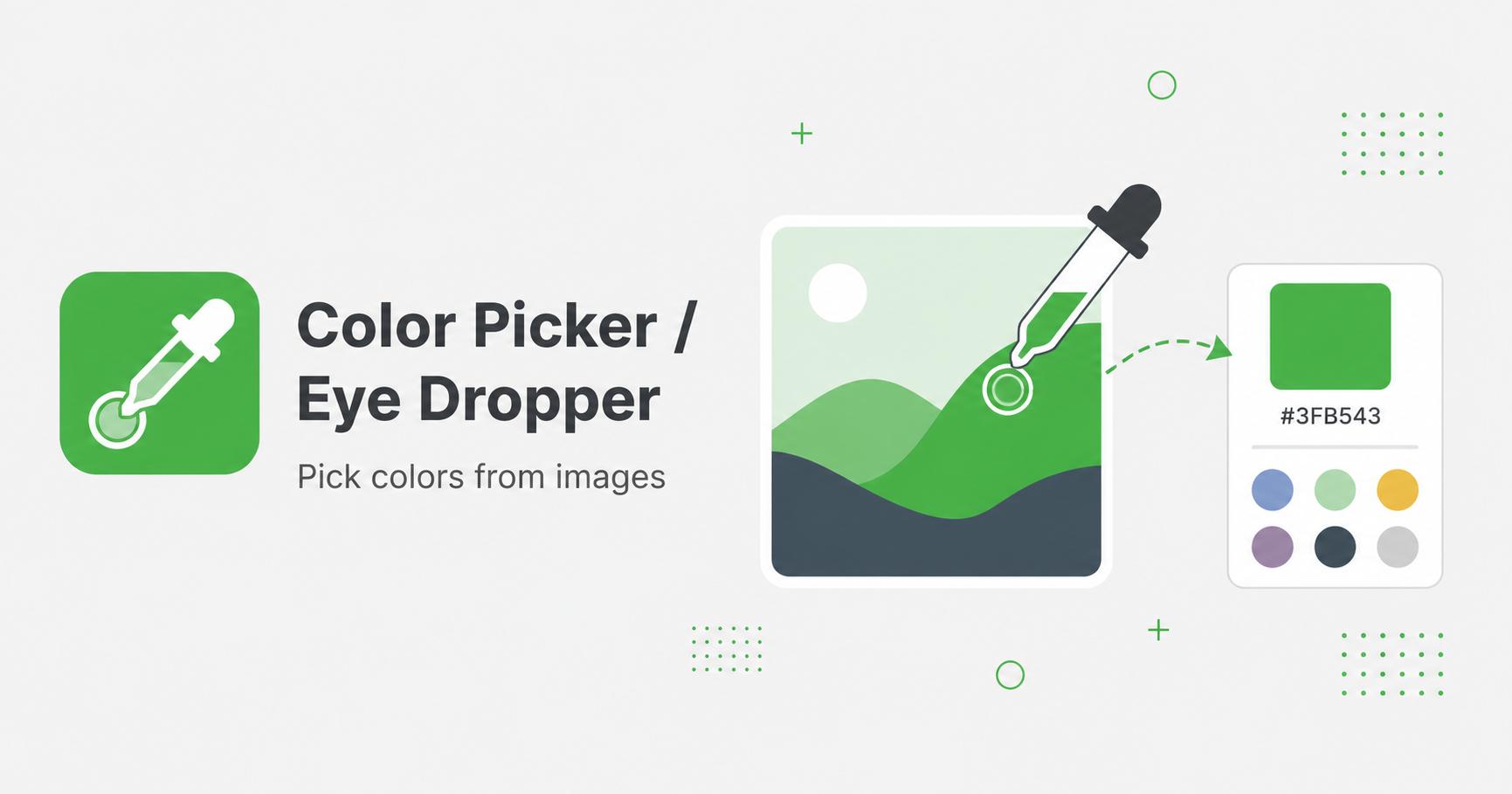
Pick colors from images or use the eye dropper when available.
Drop images here
or
JPG, PNG, WebP, AVIF, GIF, BMP, SVG · max 50.00 MB/file · max 20 files
A color picker lets you sample an exact color from an image or the screen and copy it as HEX, RGB, or HSL. Use it to match brand colors, sample UI colors, or build a palette from an image.
A color picker helps identify exact colors from screenshots, logos, product photos, UI mockups, and brand assets. Instead of guessing a color visually, you can sample it and use the value in CSS, design tools, graphics, or documentation.
This is useful for matching website colors, extracting a palette from an image, checking brand consistency, or building a quick visual system from existing assets.
Images often contain many close color variations because of shadows, anti-aliasing, compression, and gradients. If you need a brand color, sample from a clean flat area rather than an edge. For UI screenshots, zoom in and pick from the center of a solid region.
For palettes, sample multiple points: a main color, a background color, an accent color, and a neutral color.