What is Image Resizer?
An image resizer changes the pixel dimensions of an image. Resizing is useful when an image is too large for a website, form upload, profile picture, marketplace listing, or email attachment.
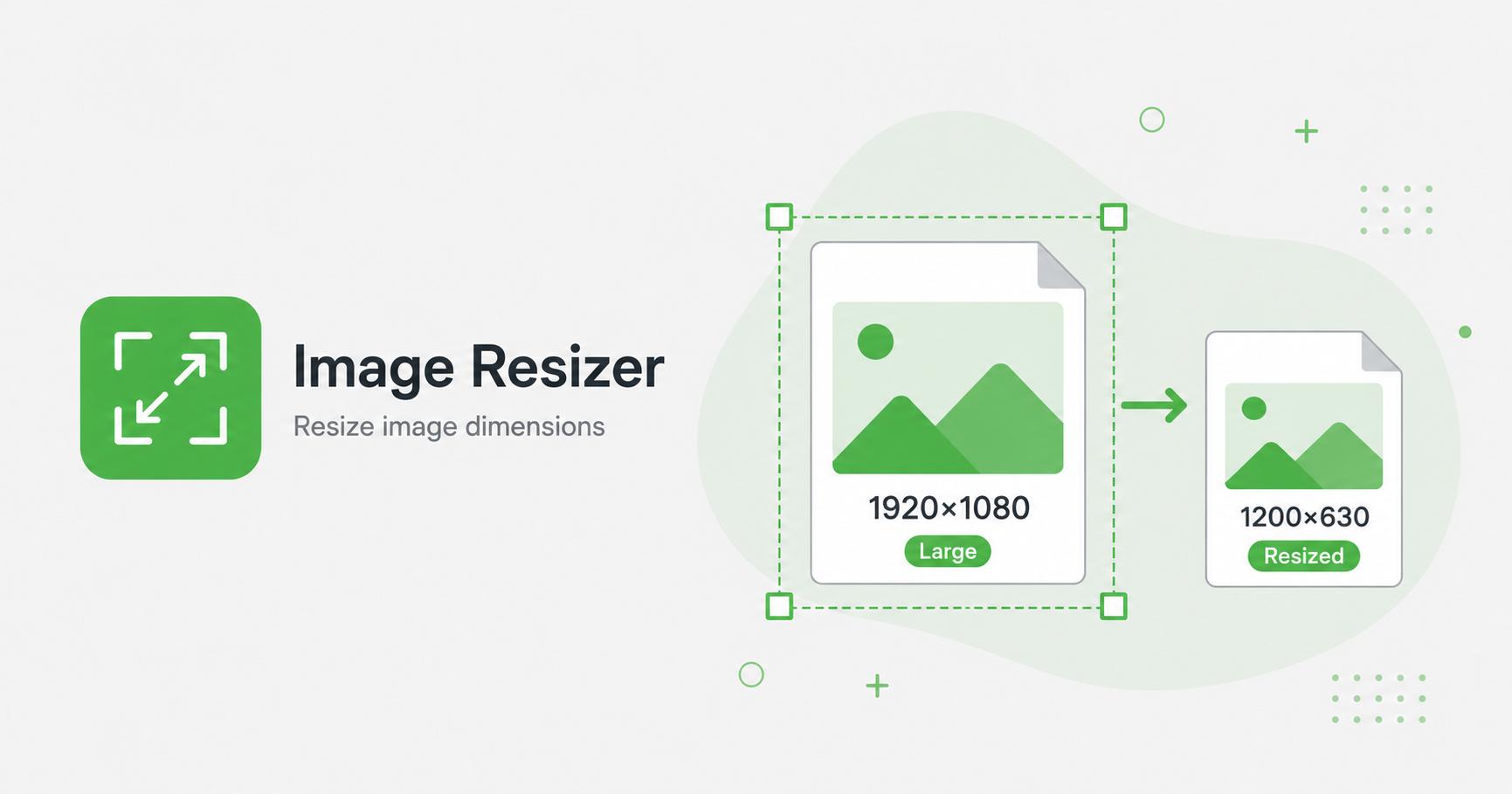
Resize images by exact width or percentage while preserving the original aspect ratio.
Drop images here
or
JPG, PNG, WebP, AVIF, GIF, BMP, SVG · max 50.00 MB/file · max 20 files
An image resizer changes the pixel dimensions of an image. Resizing is useful when an image is too large for a website, form upload, profile picture, marketplace listing, or email attachment.
Many photos are far larger than the area where they appear on a website or profile. Resizing reduces the pixel dimensions so the final image is more appropriate for the layout. This can improve loading speed, reduce storage usage, and make uploads easier.
Use exact width when you know the target layout size. Use percentage scaling when you want a quick smaller version while keeping the original proportions. The tool keeps aspect ratio, so the image will not look stretched.
For a blog card, 800–1200px wide is often enough. For a full-width hero image, 1600–2000px can be appropriate depending on the design. For icons, logos, and small UI assets, use the exact dimensions required by the interface.
Avoid enlarging small images unless necessary. Upscaling increases pixel dimensions but cannot recreate real detail that was not present in the original file.