What is Image Filter?
An image filter changes the appearance of an image by adjusting color and tone. Common filters include grayscale, sepia, brightness, contrast, and saturation adjustments.
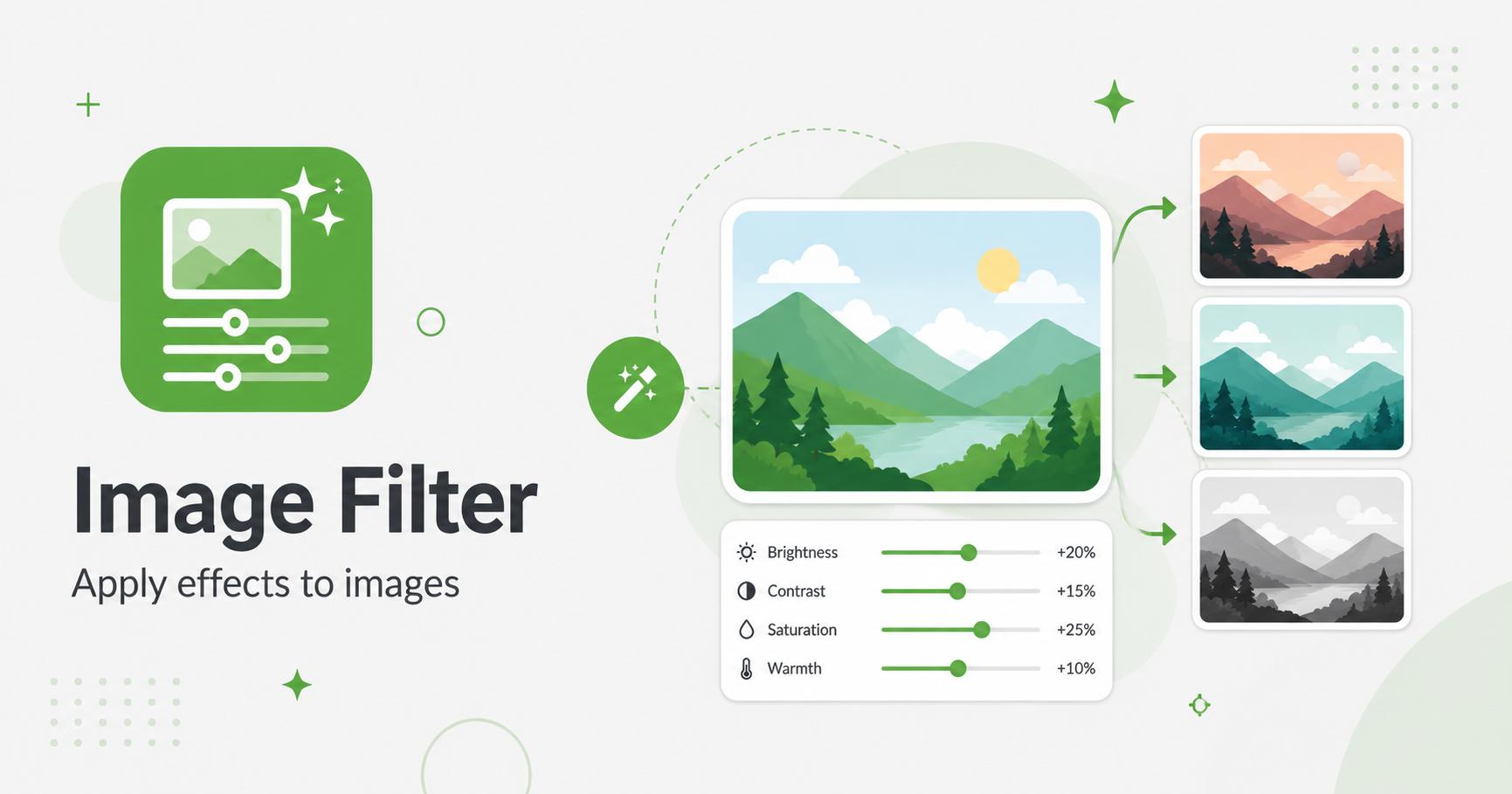
Apply quick image filters and export the edited result.
Drop images here
or
JPG, PNG, WebP, AVIF, GIF, BMP, SVG · max 50.00 MB/file · max 20 files
An image filter changes the appearance of an image by adjusting color and tone. Common filters include grayscale, sepia, brightness, contrast, and saturation adjustments.
Image filters help adjust the mood and readability of an image without opening a full photo editor. Grayscale creates a clean neutral look, sepia gives a warmer tone, brightness fixes dark images, contrast adds definition, and saturation changes color intensity.
Filters are useful for blog graphics, thumbnails, social media images, documentation screenshots, and quick design drafts. Small adjustments can make a set of images feel more consistent across a website.
Strong filters can make images look unnatural or reduce readability. For product photos, keep colors realistic. For screenshots, avoid heavy saturation or contrast because text and UI edges can become harder to read.
When editing a batch, test one image first. If the setting works across different lighting conditions, apply it to the rest.