What is Image Color Adjust?
An image color adjust tool changes the tone and color balance of an image. It is useful for correcting dark photos, increasing contrast, boosting colors, or shifting hue before publishing or sharing.
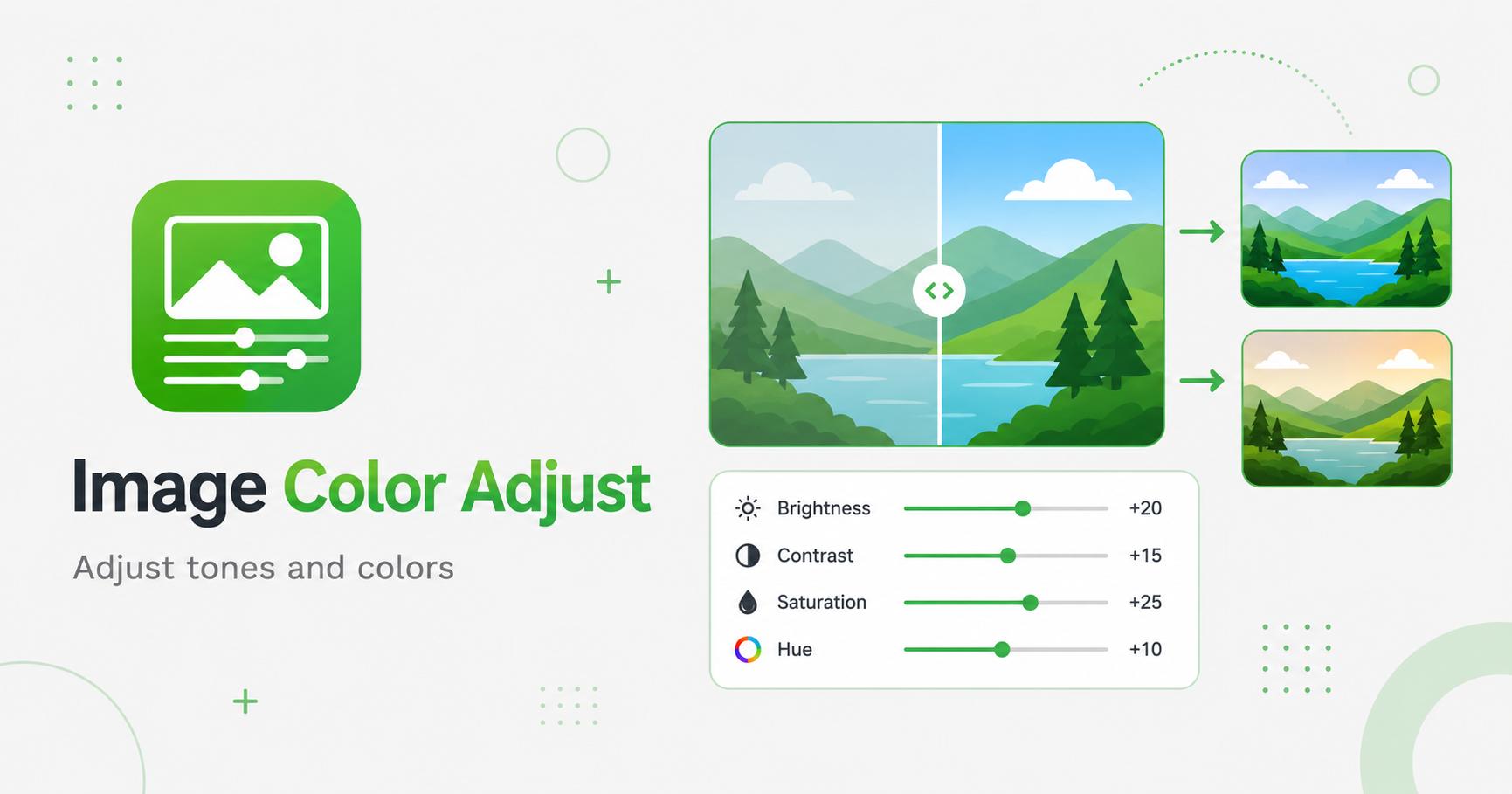
Fine-tune exposure, highlights, shadows, temperature, tint, gamma, and RGB channels.
Drop images here
or
JPG, PNG, WebP, AVIF, GIF, BMP, SVG · max 50.00 MB/file · max 20 files
An image color adjust tool changes the tone and color balance of an image. It is useful for correcting dark photos, increasing contrast, boosting colors, or shifting hue before publishing or sharing.
Color adjustment gives more control than simple filters. Brightness affects overall lightness, contrast controls separation between dark and light areas, saturation changes color intensity, and hue shifts the color palette. These controls help prepare images for blog graphics, thumbnails, product listings, and design drafts.
Use small adjustments first. A slight increase in contrast can make an image clearer, while too much contrast can crush shadows or highlights. Saturation can make colors pop, but overuse may look artificial.
When a website uses images from different sources, color tone can feel inconsistent. Adjusting brightness, contrast, and saturation can help make a group of images look more unified. This is especially useful for blog cards, product grids, and article headers.
For ecommerce and documentation, keep colors accurate. For editorial or creative images, stronger styling may be acceptable.