What is Image Compressor?
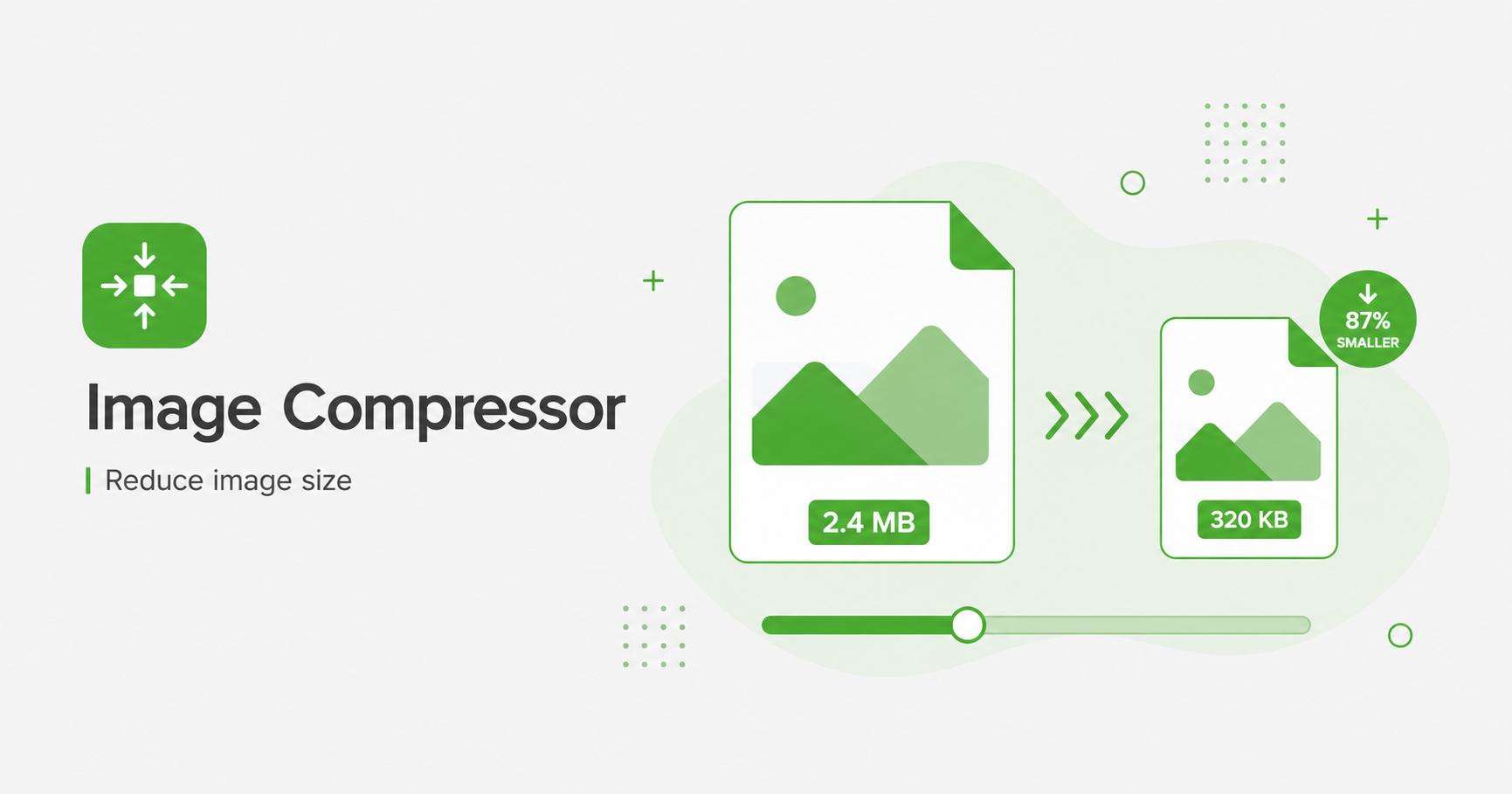
An image compressor reduces image file size by re-encoding the image with a smaller output format, lower quality setting, or smaller pixel dimensions. It is useful for faster websites, lighter email attachments, and easier sharing.
How to Use Image Compressor
- Upload one or more images.
- Choose JPG, PNG, or WebP as the output format.
- Lower the quality slider to reduce file size.
- Optionally reduce dimensions for an even smaller file.
- Download your compressed image or ZIP.
Compress images for faster pages
Large images are one of the most common causes of slow web pages. Compression reduces file size so pages load faster, use less bandwidth, and feel smoother on mobile connections. It is especially useful for blog thumbnails, hero images, ecommerce galleries, landing pages, and content-heavy sites.
The best compression result depends on the image type. Photos usually compress well as JPG or WebP. Screenshots and graphics with text may need higher quality settings to avoid blurry edges. PNG is useful for transparency but may stay heavier for complex photos.
How much should you compress?
Start with a medium-high quality setting, then compare file size and visual quality. For many photos, 75–85 quality is a practical range. If the image is a large hero banner, product photo, or portfolio image, use a higher setting. For small thumbnails, you can often go lower without visible problems.
Compression works best when combined with resizing. A 4000px camera photo compressed at high quality may still be unnecessarily large for a blog card that displays at 800px wide.
Best practice checklist
Frequently Asked Questions
Will compression reduce quality?
JPG and WebP compression can reduce quality if the slider is lowered. A quality value around 75–85 usually keeps images visually sharp while reducing size.
Is PNG compression lossless?
PNG export is generally lossless, but it may not always produce a smaller file than the original. For photos, WebP or JPG is usually smaller.
What is the best output format for small files?
WebP usually gives the smallest file size for web use while keeping good visual quality.
What quality should I use?
For most web photos, 75–85 quality gives a practical balance between clarity and file size.
Related Tools