What is Image Metadata Viewer?
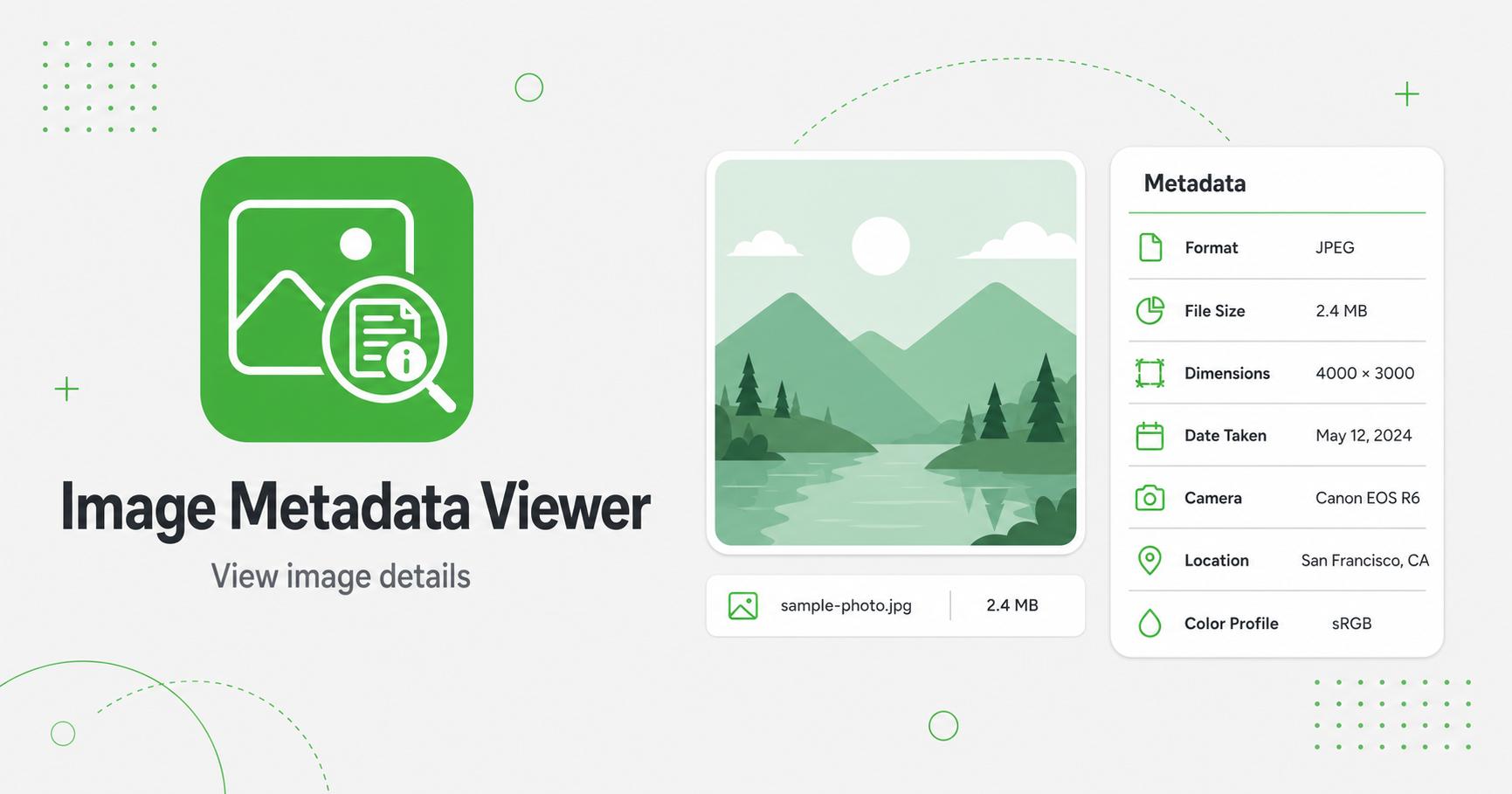
An image metadata viewer shows hidden and visible file details such as file type, size, dimensions, last modified date, and common JPEG EXIF fields. It helps you check privacy-sensitive information before sharing images online.
How to Use Image Metadata Viewer
- Upload an image file.
- Review the metadata table shown under the preview.
- Check whether GPS or camera metadata is detected.
- Use EXIF Remover if you want to export a cleaner copy.
- Clear the file when finished.
Inspect hidden image information
Image metadata can include camera model, date, dimensions, color profile, software, orientation, GPS coordinates, and other technical details. A metadata viewer helps you understand what information is attached to a file before publishing, sharing, or archiving it.
This is useful for photographers, bloggers, developers, SEO workflows, and anyone checking whether an image contains details that should be removed or preserved.
What metadata is useful for
Some metadata is helpful. Dimensions, color profile, and orientation can explain why an image displays differently in a tool or website. Camera settings can help photographers review how an image was captured. File details can help developers debug image handling issues.
Other metadata may be unnecessary for publishing. Reviewing it first helps you decide whether to keep the original file or export a cleaned version.
Recommended workflow
Frequently Asked Questions
Why should I view metadata?
Metadata can reveal dimensions, camera details, orientation, software, and other technical information attached to a file.
Can it show GPS metadata?
The basic viewer flags GPS metadata when it is found in JPEG EXIF data.
Does viewing metadata remove it?
No. Use Image EXIF Remover to export a clean copy.
Which metadata is shown?
The viewer shows file details, dimensions when decodable, and common JPEG EXIF fields such as camera model, date, orientation, and GPS presence.
Related Tools