What is Image Flipper & Rotator?
An image flipper and rotator changes image orientation. It can rotate a photo by common angles or mirror the image horizontally or vertically.
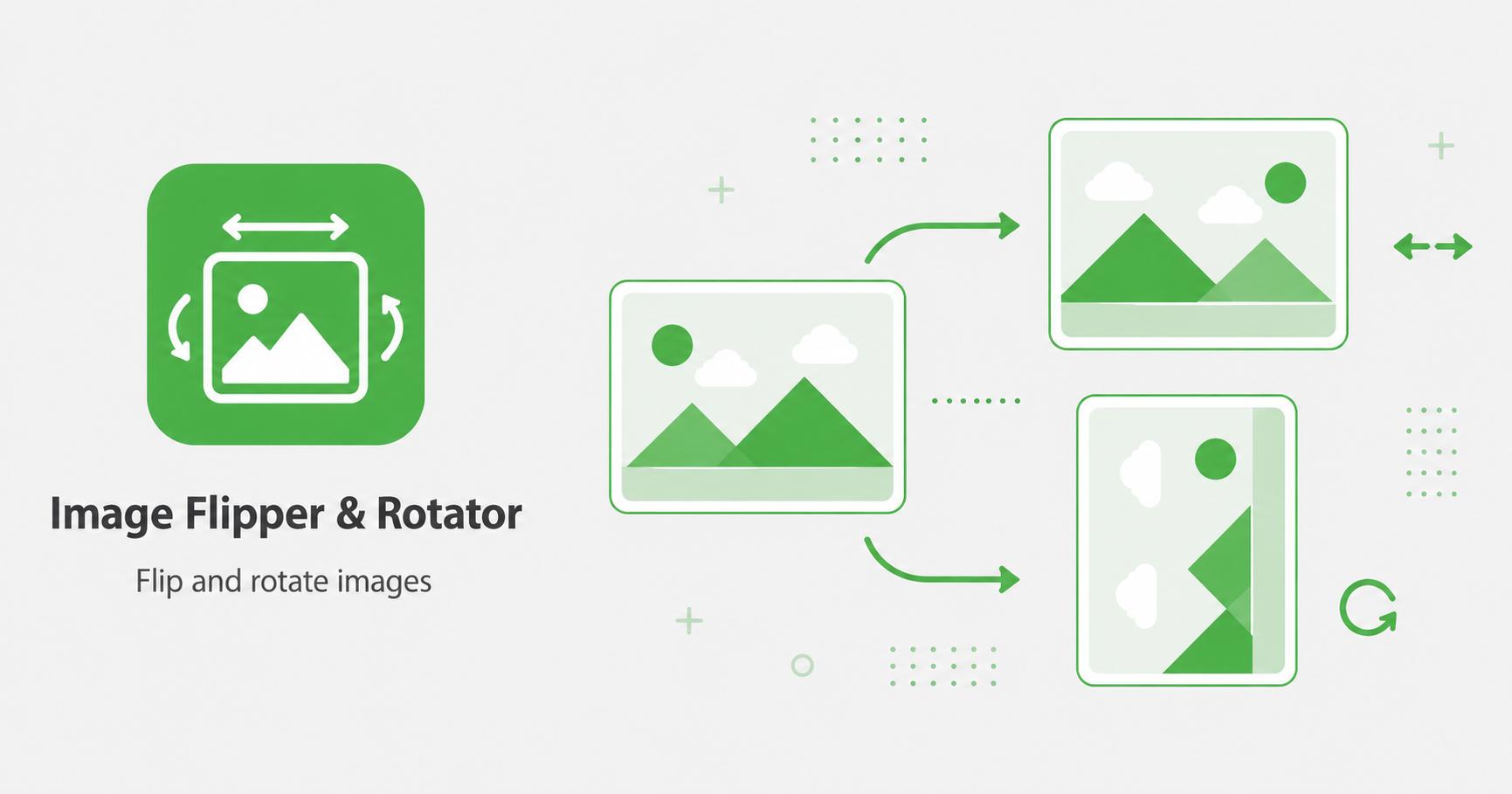
Flip images horizontally or vertically and rotate them before download.
Drop images here
or
JPG, PNG, WebP, AVIF, GIF, BMP, SVG · max 50.00 MB/file · max 20 files
An image flipper and rotator changes image orientation. It can rotate a photo by common angles or mirror the image horizontally or vertically.
The flipper and rotator helps correct images that are sideways, upside down, or mirrored incorrectly. Rotation is useful for phone photos, scanned documents, product shots, and screenshots. Flip controls are useful when an image needs to face the opposite direction or match a layout.
Simple orientation edits can make images look more professional before cropping, resizing, compressing, or adding them to a page.
Fix rotation before cropping so the crop area matches the final orientation. If you plan to add a watermark, rotate or flip the image first so the watermark placement remains predictable.
After rotating, export in the format that matches your final use. JPG is practical for photos, PNG for transparency, and WebP for modern web pages.