What is Image Pixelate?
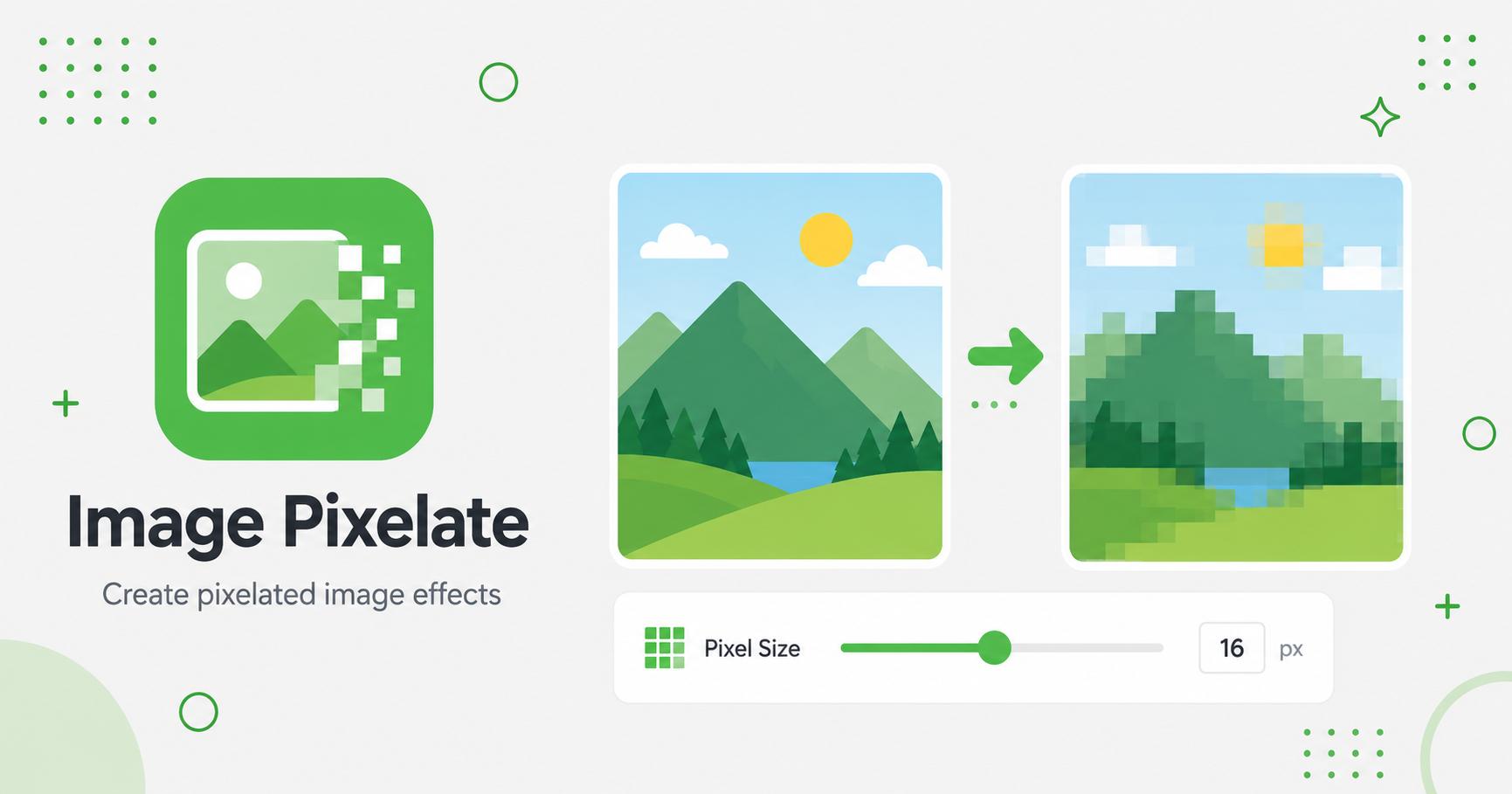
An image pixelate tool reduces visible detail by turning parts of an image into large blocky pixels. It is useful for hiding private details, screenshots, faces, license plates, addresses, or sensitive information before sharing an image.
How to Use Image Pixelate
- Upload an image or batch of images.
- Adjust the pixel size slider for a lighter or stronger mosaic effect.
- Choose JPG, PNG, or WebP output.
- Click Process Images and wait for processing to finish.
- Download the pixelated image or ZIP file.
Pixelate sensitive or distracting areas
Pixelation turns details into large blocks of color. It is useful for hiding faces, names, license plates, addresses, account numbers, chat messages, dashboard data, or any area that should not be clearly readable in a shared image.
The effect can also be used creatively for retro graphics, game-style thumbnails, censored previews, and abstract backgrounds.
Strength and readability
A light pixelation effect may still leave shapes, letters, or numbers recognizable. Use stronger pixelation when privacy is the goal. For design effects, use a lower amount so the subject remains understandable while gaining a stylized look.
Always review the final image at full size before publishing, especially when masking text or private details.
Practical examples
Frequently Asked Questions
What does pixelating an image do?
Pixelating reduces detail by enlarging blocks of color, making the original details harder to recognize.
Can pixelated information be recovered?
Strong pixelation is difficult to reverse, but for sensitive data you should use a strong setting and check the final result before sharing.
Can I pixelate screenshots?
Yes. Screenshots can be pixelated like any other supported image file.
Does pixelation change the original image?
No. The tool exports a new pixelated copy.
Related Tools