What is Image Merger / Sprite Sheet / Collage?
An image merger combines several images into one output canvas. It can be used for sprite sheets, simple collages, comparison strips, and image grids. The result is one combined image that can be published, shared, compressed, or resized.
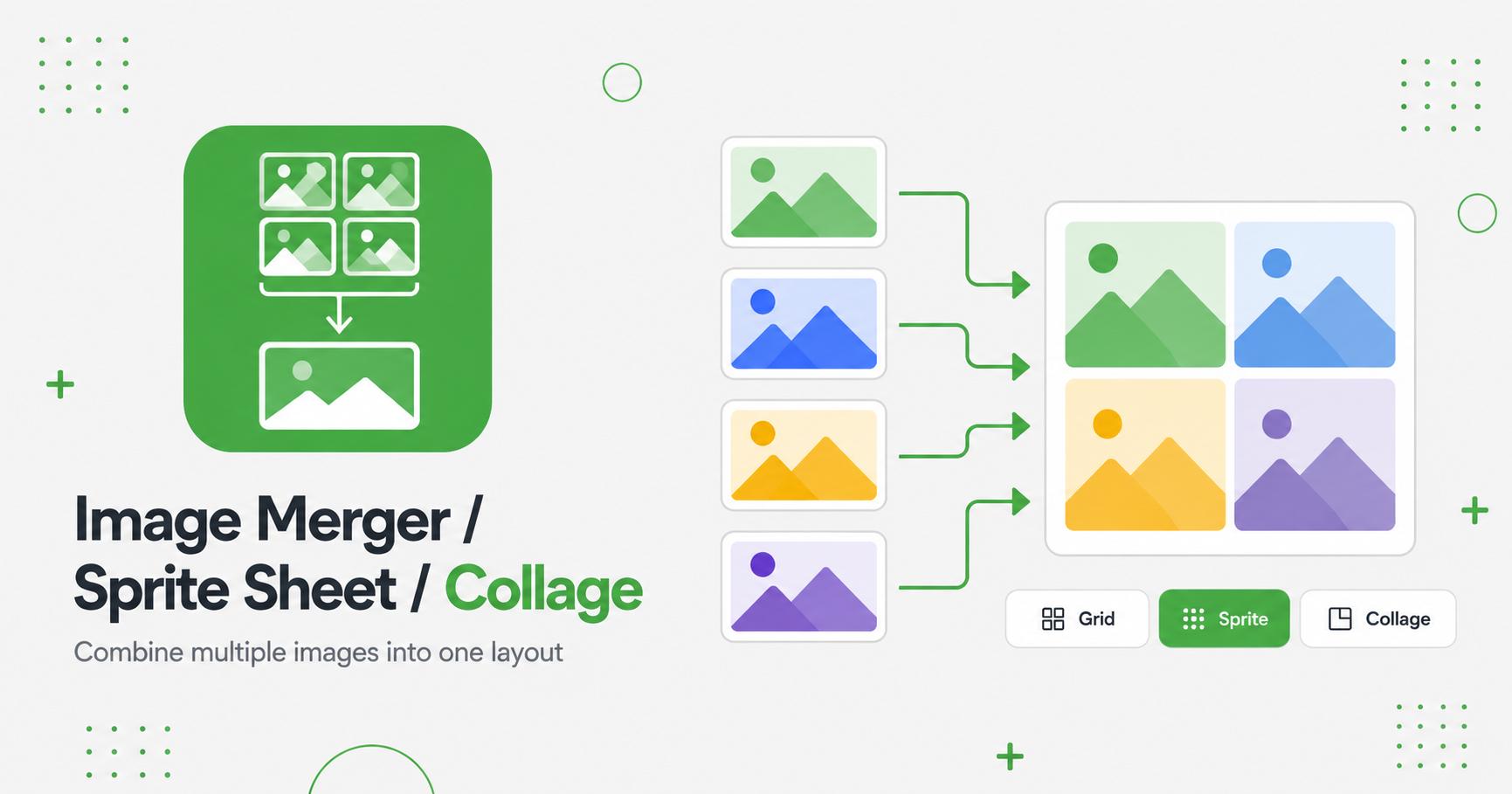
How to Use Image Merger / Sprite Sheet / Collage
- Upload multiple images.
- Choose grid, horizontal, or vertical layout.
- Adjust grid columns, gap, and background color.
- Choose PNG, JPG, or WebP output.
- Click Merge and download the combined image.
Combine images into one visual
An image merger or collage tool combines multiple images into a single output. It is useful for before-and-after previews, product comparisons, tutorial steps, mood boards, social media posts, and visual summaries.
Instead of publishing several separate files, a collage can present related images together in one clean layout. This can make comparisons easier and reduce clutter in posts, listings, or documentation.
Layout tips
Use images with similar dimensions for the cleanest grid. If the source images have different shapes, crop or resize them first so the final collage feels balanced. Leave enough spacing between images when clarity matters.
For product and tutorial collages, keep the background simple and avoid mixing too many unrelated images in one output.
Best workflow
Frequently Asked Questions
Can I choose the layout?
Yes. You can combine images as a grid, horizontal strip, vertical stack, or sprite sheet depending on the tool settings.
Can I make a sprite sheet?
Yes. Choose grid layout and set the number of columns.
Can I control spacing?
Yes. Use the gap slider and background color setting.
Will very large batches work?
Very large images can use significant memory. ImageCub limits batch size to keep processing stable.
Related Tools