What is Image Renamer / Bulk Rename?
An image renamer changes output file names without editing image pixels. The tool creates a ZIP containing renamed copies of the selected images.
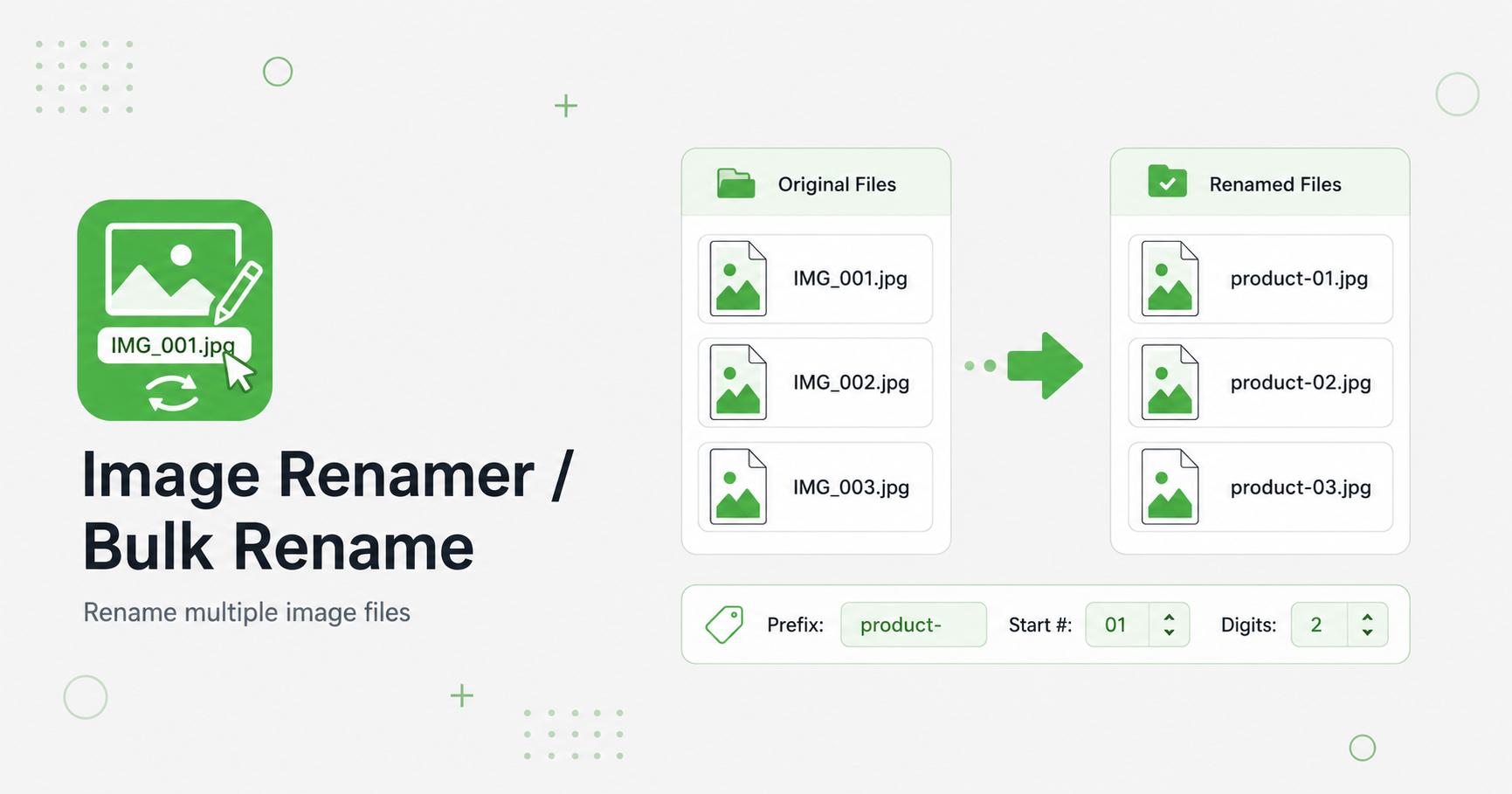
Rename many image files at once with numbering, timestamps, prefix, suffix, and find-and-replace.
Drop images here
or
JPG, PNG, WebP, AVIF, GIF, BMP, SVG, HEIC, HEIF · max 50.00 MB/file · max 20 files
An image renamer changes output file names without editing image pixels. The tool creates a ZIP containing renamed copies of the selected images.
Bulk renaming helps turn messy camera names, downloads, and random exports into organized filenames. Clear names are easier to search, upload, manage, and understand later. For websites, descriptive filenames can also support better asset organization and image SEO workflows.
Use a consistent pattern for product photos, blog images, galleries, tutorials, or documentation screenshots. A good filename should describe the image without being too long.
Use lowercase words separated by hyphens. Avoid spaces, special characters, and vague names like final2-new.jpg. Keep filenames descriptive but concise, such as image-compression-guide.jpg or blue-running-shoes-side-view.jpg.
For batches, include a shared base name and automatic numbering so the files remain sorted and easy to manage.