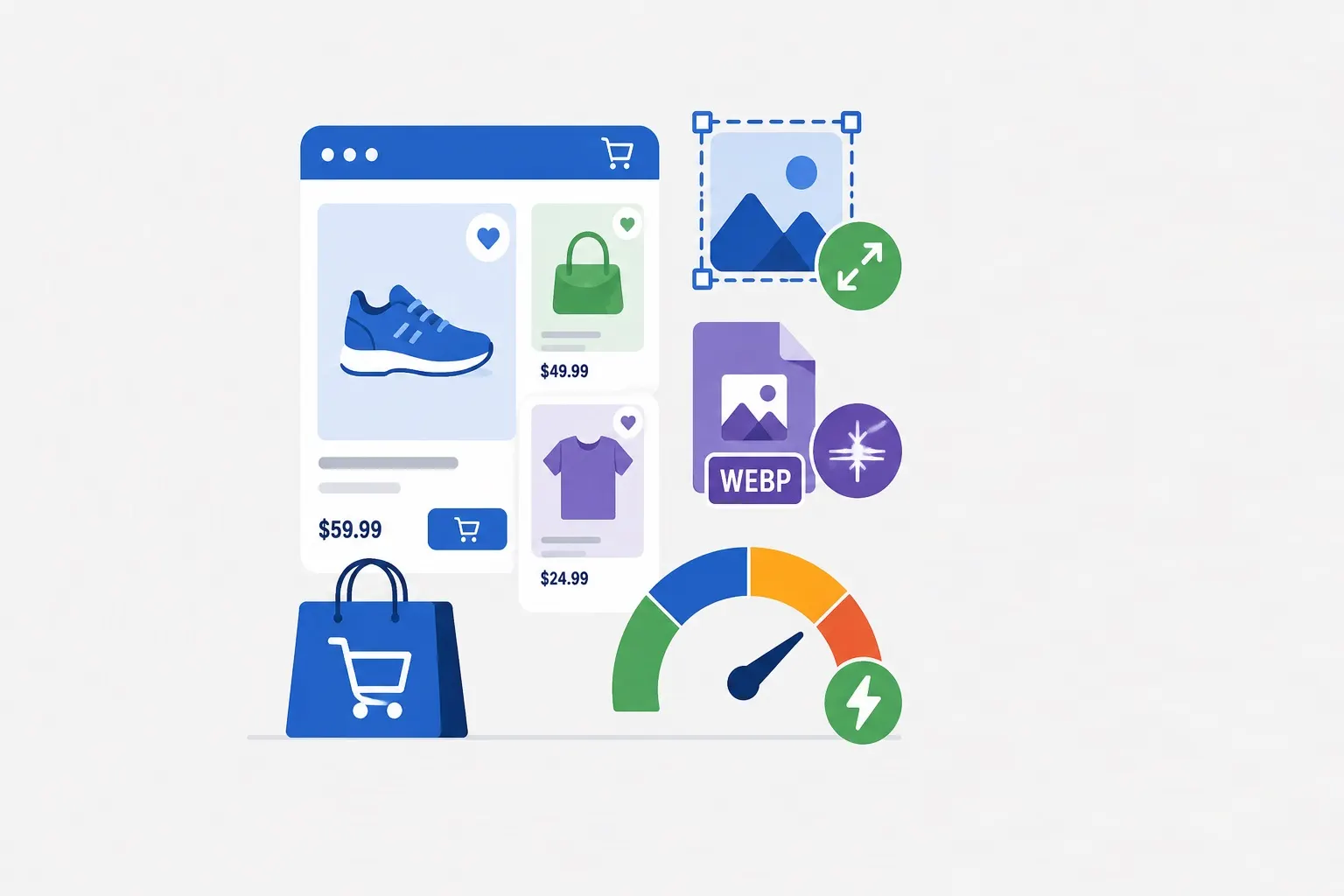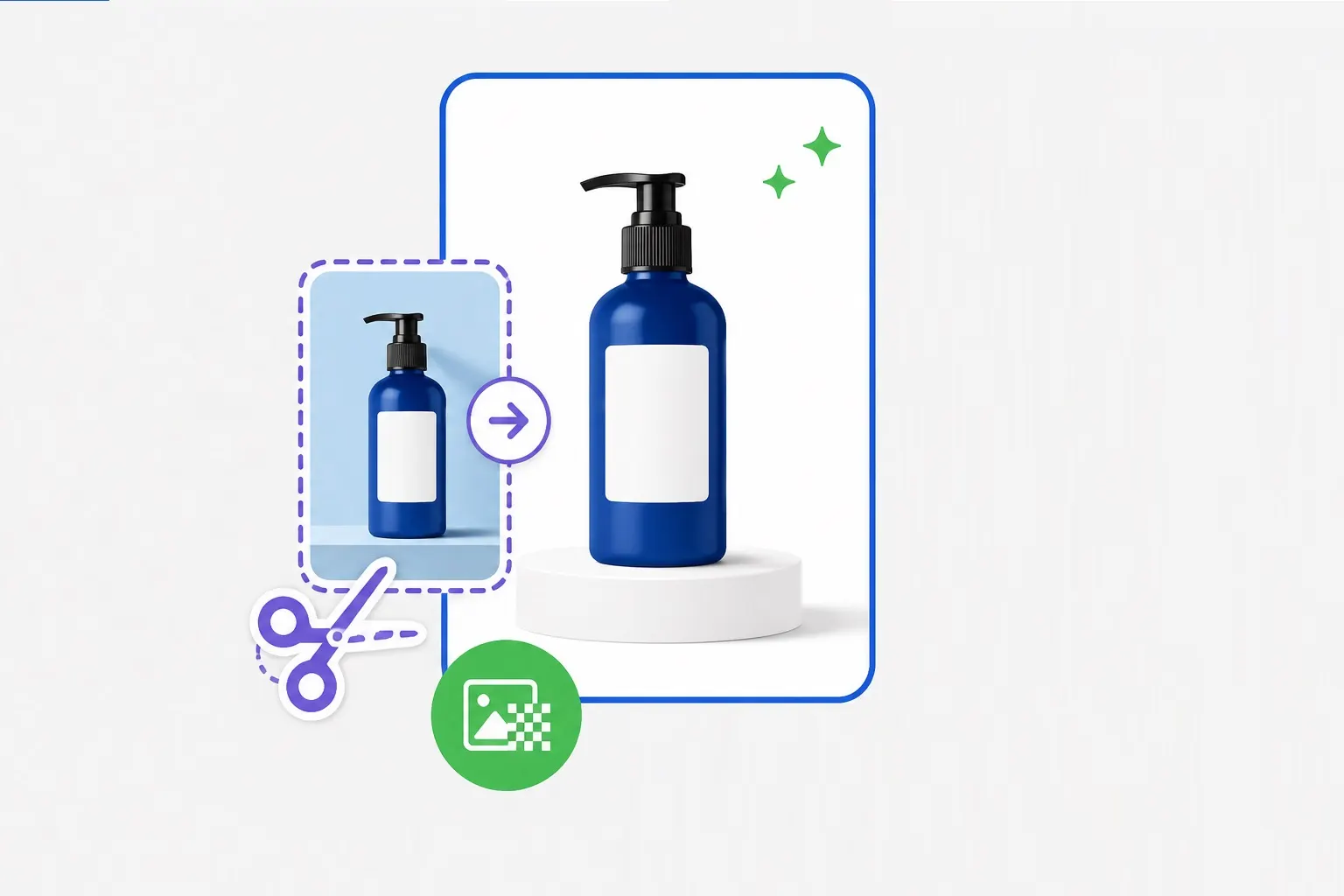
In e-commerce, your product images are the closest thing customers get to handling the actual product before purchase. Clean, consistent backgrounds aren't just about aesthetics—they directly impact conversion rates, brand perception, and customer trust. This guide covers professional techniques for removing and replacing backgrounds in product photography.
Why Background Removal Matters for E-Commerce
Professional product photography with clean backgrounds does several things for your business:
- Increases conversions: Studies show that products with clean, consistent backgrounds sell better. Shoppers can focus entirely on the product without distractions.
- Enables consistent branding: A uniform white or branded background creates a cohesive look across your catalog, building professional credibility.
- Improves platform compatibility: Marketplaces like Amazon, eBay, and Google Shopping often require pure white backgrounds for product listings.
- Facilitates editing: With a clean extraction, you can place products on any background for different contexts—white for the product page, lifestyle backgrounds for marketing, etc.
Prerequisites: Good Source Photography
Even the best background removal tools work better with good source images. Before you start removing backgrounds, ensure your product photos have these qualities:
Good lighting: Even, consistent lighting reduces shadows and highlights, making the product easier to isolate. For white-background photos, use two lights at 45-degree angles to minimize shadows.
Contrast between product and background: While you'll be removing the background anyway, having a contrasting color makes the edge detection more accurate. A light product on a dark background or vice versa gives the best results.
Sharp focus: Blurry edges make it harder to create clean masks. Ensure your product is in sharp focus, especially at the edges.
Multiple angles: For best results, photograph products from multiple angles. Different products require different views—clothing often needs front and back shots; electronics need all sides and detail shots.
Professional Background Removal Techniques
Depending on your needs, different approaches yield different results.
Automated AI removal: Modern AI-powered tools can detect products and remove backgrounds in seconds. Our Background Remover uses advanced AI to identify the subject and separate it from the background with one click. This is the fastest approach and works well for most products with clear edges.
Manual masking: For complex products (hair, fur, transparent objects, intricate details), manual masking in Photoshop or similar tools may be necessary. This involves using pen tools to trace outlines and layer masks to refine edges. The process is time-consuming but offers the highest precision.
Chroma key (green screen): If you're shooting large volumes of products, using a green screen background during photography allows for consistent, high-quality extraction. The solid color background makes automated keying possible with excellent results.
Refine edge techniques: For the best results, use tools that specifically address edge refinement. Look for features that handle hair, fur, and soft edges. These often use algorithms to detect fine details that simple masking would miss.
Common Challenges and Solutions
Not all products are easy to extract. Here's how to handle tricky situations:
Transparent objects (glass, plastic): Products with transparency require special handling. The background may show through the product, making extraction complex. Solutions include: using a solid contrasting background during photography, shooting with a backlight to define edges, and manually painting masks for transparency areas.
Reflective surfaces (jewelry, metal): Reflections create complex patterns that confuse background removal algorithms. Shoot with polarized filters to reduce reflections, use a light tent for even lighting, and consider manual touch-ups for the final mask.
Fur and hair: Fine edges are challenging for automated tools. Shoot with backlight to create rim lighting that defines edges, and use specialized masking tools that preserve hair detail. Many advanced tools have specific "hair" or "fur" modes for these cases.
Shadows and reflections: If you want to preserve natural shadows, you'll need to separate the shadow from the product. This is often easier to recreate in post-production using drop shadow effects than to preserve from the original photo.
Background Replacement Options
Once you've removed the background, you have several options for what to put in its place:
Pure white: The e-commerce standard. Use RGB 255,255,255 for a clean, consistent look. Ensure edges are clean and no remnants of the old background remain.
Gradient or subtle texture: Adds visual interest without distracting. Common in fashion and lifestyle photography. Keep the background simple enough that it doesn't compete with the product.
Lifestyle backgrounds: Place products in context—a laptop on a desk, a handbag on a street, a coffee mug in a kitchen. These help customers imagine using the product. Ensure the lighting and perspective match between product and background for realism.
Transparent PNG: For use across multiple contexts. Save the extracted product with a transparent background (PNG format) so it can be placed on different backgrounds later.
Consistency Across Your Catalog
For e-commerce brands, consistency matters as much as individual quality. A catalog where every product has the same background style looks more professional and trustworthy.
Create a style guide: Document your background requirements: color values (RGB/HEX), lighting direction, shadow style, and cropping standards. Share this with everyone who creates product images.
Use templates: Create Photoshop or other editor templates with your standard background, dimensions, and placement guides. This ensures every new product image follows the same standards.
Batch processing: For large catalogs, batch processing tools can apply consistent backgrounds to hundreds of images automatically. Our tools support batch processing to maintain consistency at scale.
Output Formats and Sizes
After removing and replacing backgrounds, you'll need to output in the right format for your use case:
- Web use: Use WebP or JPG for final images. WebP offers better compression; JPG is more universally compatible. Target dimensions based on where the image will display.
- Print/marketing materials: Use PNG (for transparency) or high-quality JPG at the dimensions needed for print. 300 DPI is standard for print quality.
- Marketplace uploads: Follow each marketplace's specifications. Amazon requires 1000×1000px minimum, pure white background, and specific file formats.
- Master files: Keep original extracted images with transparency (PNG) as master files. From these, you can generate any size or format as needed.
Tools for Background Removal
Several tools can help with background removal, each suited to different needs:
Our Background Remover: Free, browser-based AI removal. No uploads to servers—everything happens locally. Great for quick removal and testing.
Adobe Photoshop: Industry standard for manual masking and refinement. Offers advanced tools like Select and Mask, Pen tool, and Refine Edge for professional results.
Professional services: For large catalogs or complex products, outsourced professional clipping path services can deliver consistent results at scale.
Quality Checklist
Before finalizing product images, run through this checklist:
- Background is pure white (RGB 255) or consistent with your standard
- Product edges are clean with no background remnants
- Fine details (hair, fur, transparent areas) are preserved
- Shadows look natural if included
- Product is centered appropriately in the frame
- File is compressed appropriately for its use
- Dimensions meet platform requirements
Conclusion: Professional Images Drive Sales
Product photography with clean, professional backgrounds is one of the highest-return investments an e-commerce business can make. Customers can't touch or try products online—they rely entirely on images. By mastering background removal and replacement, you ensure your products are presented in the best possible light, building trust and driving conversions.