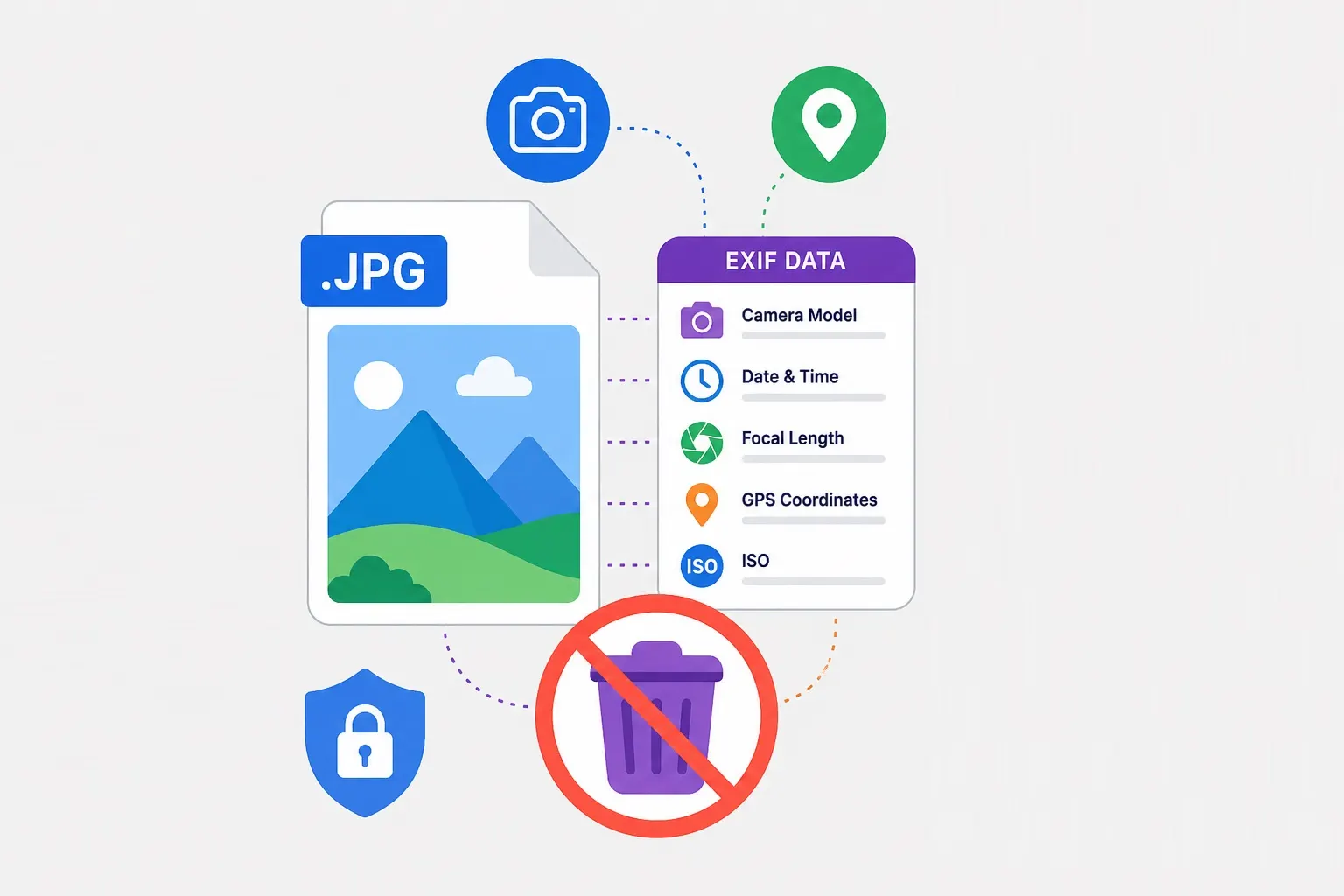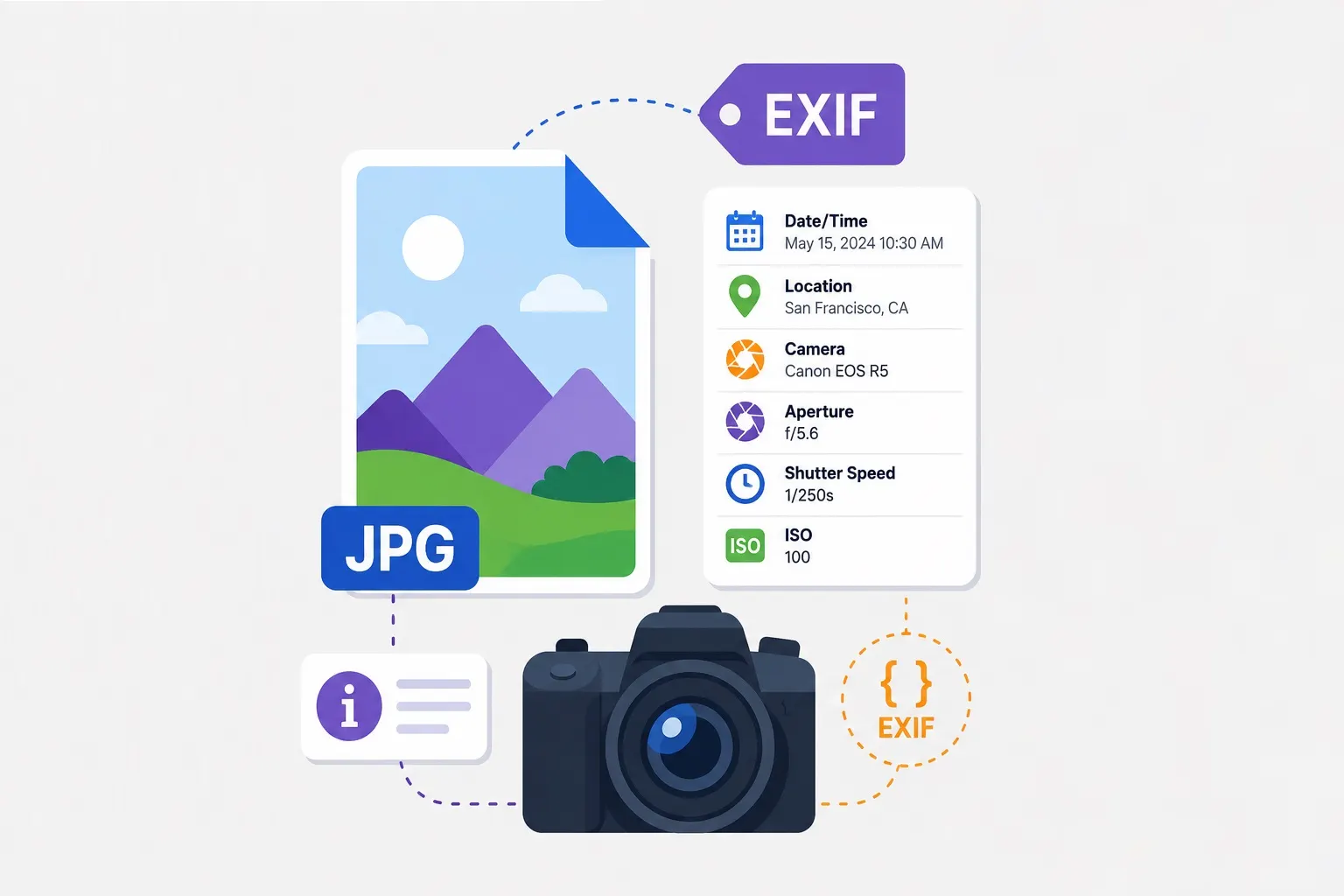
When photographers talk about image metadata, they're usually referring to EXIF data—the camera settings and technical details embedded in every photo. But there's much more to metadata than aperture and shutter speed. IPTC, XMP, and other metadata standards hold copyright information, keywords, captions, and organizational data that can transform your workflow. This comprehensive guide covers everything you need to know.
The Three Types of Image Metadata
Most images contain three distinct categories of metadata, each serving a different purpose:
EXIF (Exchangeable Image File Format): This is the metadata automatically generated by cameras and smartphones. It includes technical shooting data (camera model, lens, aperture, shutter speed, ISO), date and time, GPS coordinates, and camera settings. EXIF is essential for photographers analyzing their technique but is often stripped for privacy or file size reasons.
IPTC (International Press Telecommunications Council): This standard was developed for journalists and news organizations to add descriptive information to images. IPTC metadata includes titles, captions, keywords, copyright notices, creator information, and usage rights. Unlike EXIF, IPTC data is intended to be human-editable and travels with the image through publication workflows.
XMP (Extensible Metadata Platform): Developed by Adobe, XMP is a more flexible standard that can embed any kind of metadata. It often mirrors or extends IPTC data and is used by software like Lightroom and Photoshop to store edit history, develop settings, and organization data. XMP can be embedded in the image file or stored in separate "sidecar" files (common with RAW formats).
Why Metadata Matters
Proper metadata management provides several benefits for photographers and organizations:
Copyright protection: Embedding your copyright information, contact details, and usage terms in image metadata ensures your ownership travels with the file. Even if an image is stripped of metadata during sharing, the original file retains your information.
Organization and searchability: Keywords, titles, and descriptions make your photo library searchable. Without metadata, finding a specific image among thousands requires visual scanning or folder-based organization. With good metadata, you can find all images by subject, location, or any other category in seconds.
Workflow automation: Many photo management tools use metadata to automate workflows. For example, you can set up rules to automatically sort images into folders based on keywords, rename files using metadata values, or generate web galleries using titles and captions.
Stock photography and licensing: If you submit images to stock photography sites, metadata is required. Agencies use your keywords, titles, and descriptions to make images discoverable to buyers.
Essential Metadata Fields for Photographers
While you can embed hundreds of metadata fields, these are the most important to populate:
Copyright: Your name or business name, year, and rights statement. For example: "© 2025 Jane Doe Photography. All rights reserved." This appears in many software applications and is the primary way to assert ownership.
Creator/Credit: Your name and website or contact information. This ensures proper attribution even if the copyright notice is stripped.
Title/Caption: A brief description of the image content. Titles should be concise and descriptive. Captions can include more context—who, what, where, when, why.
Keywords: Descriptive terms that categorize the image. Think about how you or others would search for this image. For a photo of a golden retriever in a park, keywords might include: dog, golden retriever, park, outdoors, grass, running, pet, animal. Use both broad categories and specific details.
Location: For travel or location photography, include the specific location (city, state, country), GPS coordinates if available, and location-specific keywords.
Instructions/Usage Terms: Any specific conditions for using the image. This might include "Editorial use only" or "No commercial use without license."
Adding and Editing Metadata
Different tools offer different metadata capabilities:
In-camera: Some cameras allow you to set basic metadata like copyright and creator name before shooting. This automatically embeds your information in every photo taken.
Lightroom: Adobe Lightroom offers comprehensive metadata management. You can create metadata presets to apply automatically on import, edit individual fields, and sync metadata across multiple images. The interface shows EXIF, IPTC, and XMP in one view.
Photoshop: In Photoshop, use File > File Info to view and edit metadata. This is useful for final exports or editing individual files.
Bridge and other DAMs: Digital Asset Management (DAM) tools like Adobe Bridge offer batch metadata editing and search across large libraries.
Our tools: While our focus is on optimization and transformation, we preserve existing metadata by default. Use the EXIF Remover when you need to strip metadata for privacy.
Metadata and Privacy
As discussed in our guide to EXIF data, metadata can pose privacy risks. When sharing images publicly, consider whether you want your exact GPS location, camera serial numbers, or editing history visible. For sensitive images, stripping metadata is recommended.
However, for images you're publishing professionally, preserving copyright and creator metadata is important. The balance is case-by-case—a photo for your portfolio should retain copyright information; a photo shared on social media might have all metadata stripped.
Metadata in Different File Formats
Not all file formats handle metadata the same way:
JPEG: Fully supports all metadata types. EXIF, IPTC, and XMP are all embeddable.
PNG: Supports text metadata (including IPTC and XMP) but not EXIF. Some metadata may not display in all applications.
WebP: Supports metadata via XMP, with growing support for EXIF.
AVIF: Supports metadata including EXIF and XMP.
RAW formats: Camera-specific RAW files contain extensive EXIF and can have XMP sidecar files for editing metadata. The RAW file itself may not embed IPTC directly.
TIFF: Full metadata support, commonly used in professional workflows.
Organizing a Photo Library with Metadata
A well-structured metadata workflow makes managing thousands of images manageable:
Step 1: Set import presets: Configure your photo management software to automatically apply basic metadata (copyright, creator, contact) on import. This ensures every image has essential information from the start.
Step 2: Add keywords during culling: As you review and rate images after a shoot, add keywords. This is more efficient than going back to add metadata later.
Step 3: Use hierarchical keywords: Organize keywords in categories. For example: Location > North America > USA > California > San Francisco > Golden Gate Bridge. This allows searching at any level of specificity.
Step 4: Batch edit where possible: For images from the same shoot or location, select multiple and apply common metadata in one operation.
Step 5: Export with appropriate metadata: When exporting for different purposes (web, client delivery, stock submission), choose metadata settings appropriate for each use case.
Metadata and Stock Photography
If you sell images through stock agencies, metadata is critical to your success. Buyers discover images through search, and search relies entirely on your metadata. Stock agencies have specific requirements:
- Complete and accurate keywords are essential. Use both broad terms and specific details.
- Model and property releases must be indicated in metadata (typically a specific field for release status).
- Commercial vs editorial use must be clearly marked.
- Some agencies require specific IPTC fields to be populated.
Poor metadata means your images won't appear in searches, regardless of how good they are. Investing time in comprehensive keywording directly impacts sales.
Tools for Metadata Management
Several tools can help manage metadata effectively:
Adobe Lightroom Classic: Industry standard for photographers. Offers comprehensive metadata editing, presets, batch operations, and search. The hierarchical keyword system is particularly powerful.
Photo Mechanic: Specialized for high-volume workflows. Extremely fast metadata entry, used by many photojournalists and sports photographers who need to caption and upload quickly.
ExifTool: Command-line tool for advanced users. Can read, write, and manipulate any metadata field. Useful for scripting and batch operations.
Digital Asset Management (DAM) systems: For organizations, dedicated DAM systems offer advanced metadata management, controlled vocabularies, and enterprise search.
Conclusion: Metadata Is Part of Your Photography
Great metadata is as important as great photography—at least for getting your images seen, protected, and organized. Building a consistent metadata workflow takes time initially but pays dividends every time you need to find an image, prove ownership, or submit to a client or stock agency. Start with basic copyright and creator information, then gradually build out keywords and descriptions. Your future self will thank you.