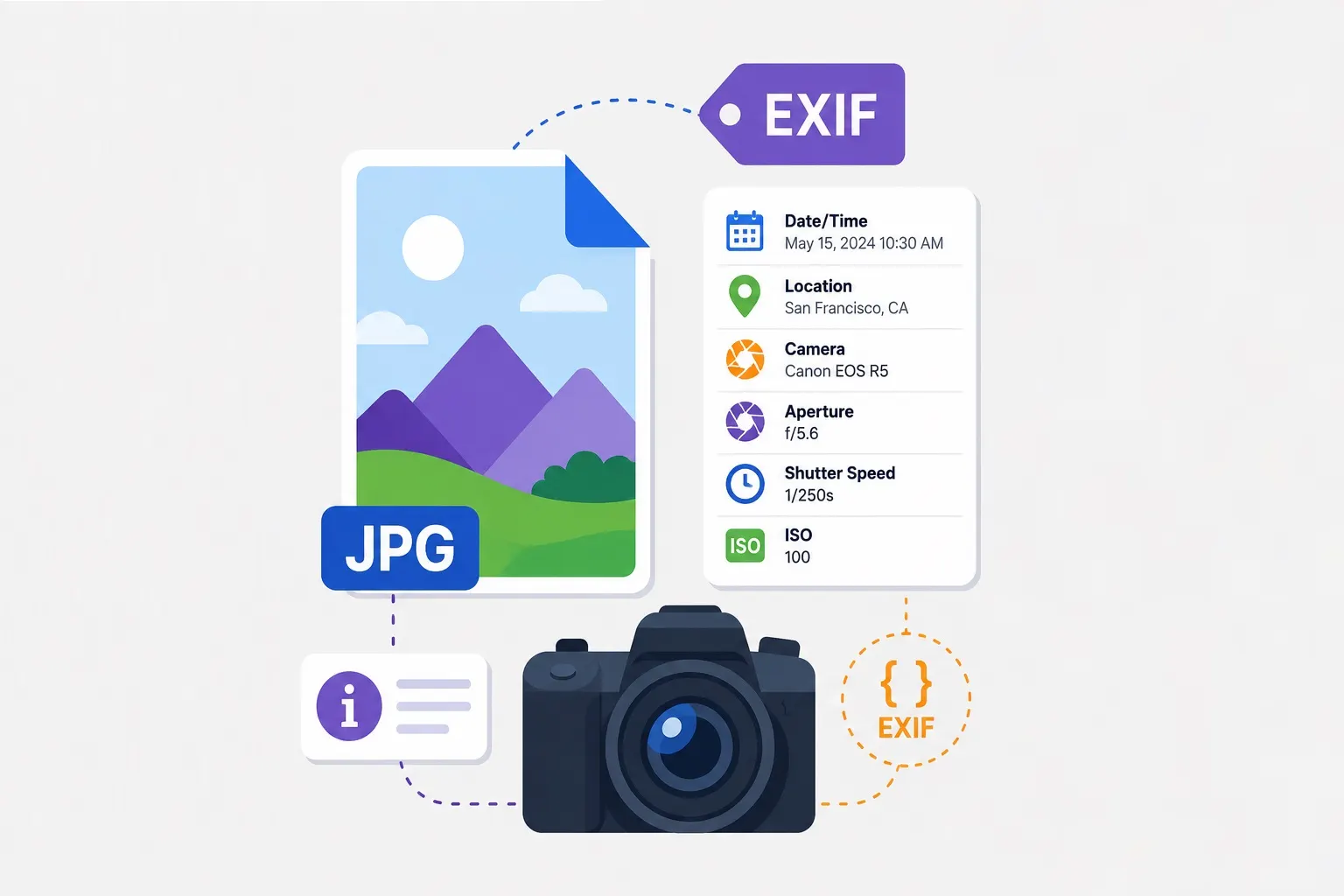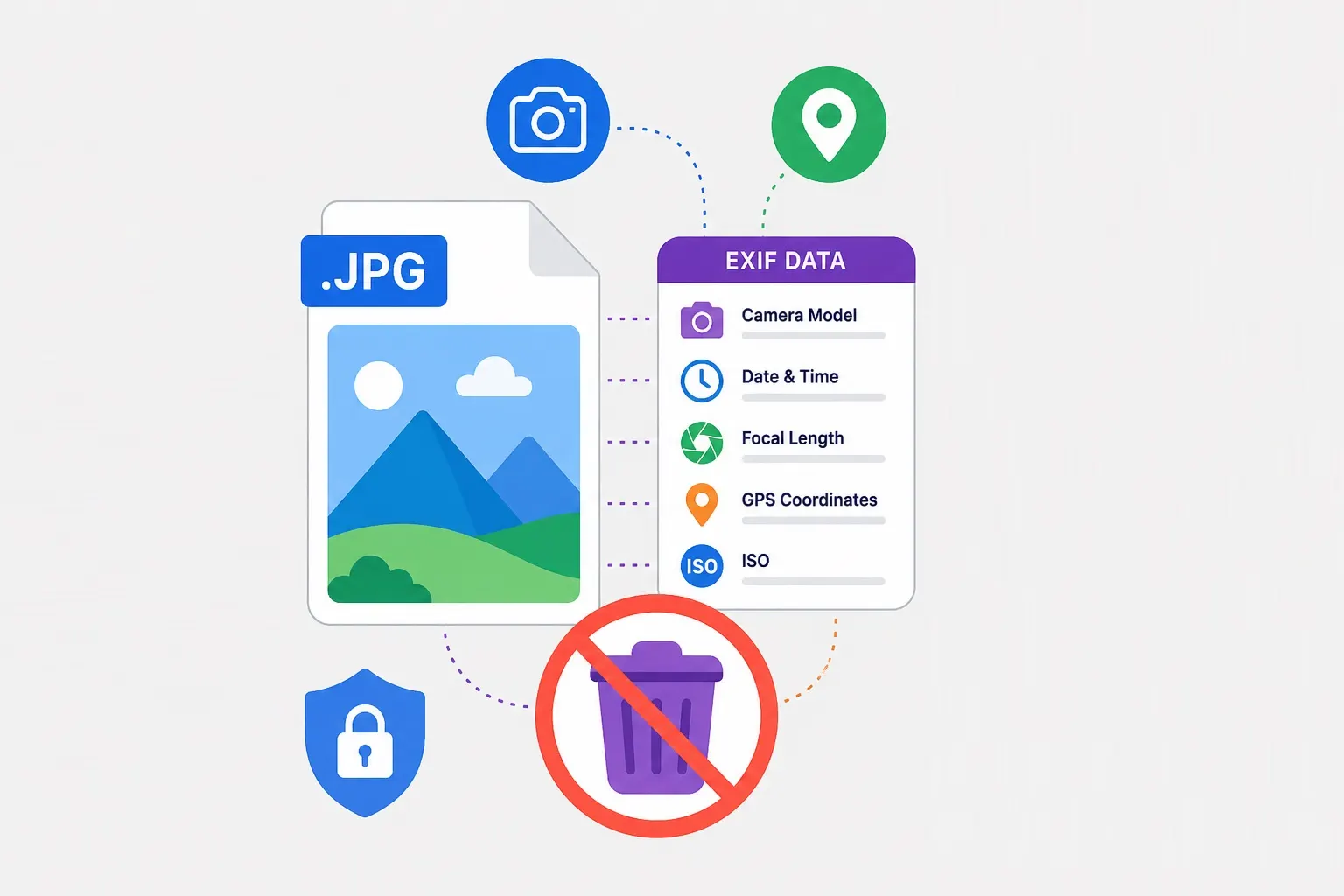
Every time you take a photo with a smartphone or digital camera, your device silently embeds a wealth of information inside the image file. This hidden data is called EXIF (Exchangeable Image File Format), and it contains far more than you might expect. While this metadata serves legitimate purposes—helping photographers track settings, organizing photos by date, and enabling software to display images correctly—it also creates significant privacy risks that most people never consider.
What Exactly Does EXIF Data Contain?
EXIF data is structured as a series of tags, each containing a specific piece of information. Here's what's typically stored:
- GPS coordinates: Exact latitude and longitude where the photo was taken, often with accuracy within 10-30 feet. Some devices also store altitude and GPS timestamp.
- Device information: Make and model of the camera or smartphone, lens information (if interchangeable), and firmware version.
- Date and time: When the photo was taken, down to the second. This often includes timezone information.
- Camera settings: Aperture (f-stop), shutter speed, ISO, focal length, white balance, and exposure compensation. For smartphone photos, this may include HDR status and scene detection data.
- Software information: Name and version of any software used to edit the image (Photoshop, Lightroom, etc.).
- Thumbnail images: A small preview image embedded in the file for quick browsing.
- Orientation: Whether the camera was held in portrait or landscape mode.
- Serial numbers: Some devices embed unique serial numbers, which can potentially be used to trace images back to a specific camera.
The Privacy Risks Are Real
When you share a photo online—on social media, in a forum post, via email, or anywhere else—you may be unintentionally sharing all of this metadata. Anyone with basic technical knowledge can extract EXIF data using free tools, websites, or even browser extensions. If GPS data is present, they can see exactly where the photo was taken.
Real-world scenarios: A journalist sharing a photo from a conflict zone may inadvertently reveal their exact location. A domestic violence survivor posting from a safe house could be located. A person selling an item on Craigslist from their home may expose their home address. A parent sharing photos of their children at school could reveal the school's location and schedule. These aren't theoretical concerns—they've all happened.
Stalking and doxxing: EXIF data has been used repeatedly in stalking cases and doxxing (the public release of private personal information). Malicious actors can extract GPS coordinates from photos posted in public spaces and combine them with other information to locate victims.
Who Is Most at Risk?
While everyone should be aware of EXIF privacy concerns, certain groups face elevated risks:
- Journalists and activists: Working in sensitive environments where location privacy is critical.
- Domestic violence survivors: Who may be hiding their location from abusers.
- Public figures and celebrities: Who face increased stalking risks.
- Law enforcement and military personnel: Whose location data could compromise operations.
- Real estate professionals: Who often photograph properties and may inadvertently capture client location data.
- Anyone who values personal privacy: The list of people who should care about EXIF data essentially includes anyone who shares photos online.
How Social Media Platforms Handle EXIF
Major social media platforms have different practices regarding EXIF data. Most strip GPS coordinates and some metadata, but practices vary:
- Facebook: Strips most EXIF data including GPS.
- Instagram: Strips GPS and most metadata from posted images.
- Twitter/X: Strips EXIF data from images uploaded to the platform.
- LinkedIn: Removes GPS and most metadata.
- WhatsApp: Images sent through the app are compressed and metadata is largely stripped.
- Email attachments: Most email services do NOT strip EXIF data—what you send is what they receive.
- Cloud storage (Google Drive, Dropbox, etc.): Typically preserve EXIF data intact.
- Personal websites and blogs: EXIF is preserved unless explicitly removed.
The key takeaway: You cannot rely on platforms to protect you. If privacy matters, you should remove EXIF data yourself before uploading anywhere.
Other Reasons to Remove EXIF
Privacy isn't the only reason to strip EXIF data. There are practical benefits as well:
File size reduction: EXIF data can add 20-100KB per image. For a large photo collection or website with many images, this adds up. Removing EXIF from 100 images could save 2-10MB—free optimization with no quality impact.
Consistent presentation: EXIF orientation tags can cause images to display incorrectly across different software and devices. Stripping these tags ensures consistent display.
Professional presentation: Many professional photographers and artists remove EXIF data to prevent clients from seeing RAW settings or to avoid revealing their editing workflow.
Legal and compliance: Some industries have data protection requirements that make stripping metadata advisable or mandatory.
How to Remove EXIF Data
Removing EXIF data is straightforward with the right tools. Our EXIF Remover tool strips all metadata from your images in seconds—entirely in your browser, without your file ever leaving your device. This means no upload to external servers, no privacy concerns about the tool itself, and no waiting in queues.
Alternative methods: If you prefer offline tools, many image editors offer EXIF removal options. In Photoshop, you can use "Save for Web" which strips metadata by default. In Lightroom, export settings include metadata options. For command-line users, ExifTool is a powerful option. Mobile apps like Photo EXIF Editor and Image Size can also strip metadata.
Best Practices for Image Privacy
Removing EXIF data is important, but it's just one part of a comprehensive image privacy strategy:
- Turn off GPS in your camera app: Most smartphones allow you to disable location tagging in camera settings. This prevents EXIF from being created in the first place.
- Review images before sharing: Check what's visible in the image itself—street signs, house numbers, license plates, and identifiable landmarks can all reveal location even without EXIF data.
- Use privacy-focused sharing methods: For sensitive images, consider end-to-end encrypted messaging or secure file sharing rather than public platforms.
- Make EXIF removal routine: Build it into your workflow for any image that will be shared publicly.
- Educate your organization: If you're managing images for a business, organization, or publication, ensure everyone handling images understands EXIF risks and removal practices.
Conclusion: Control Your Digital Footprint
EXIF data is a hidden companion to every digital photo you take. In many contexts, it's harmless or even useful. But when privacy matters, leaving EXIF intact is an unnecessary risk. By understanding what EXIF contains and making removal part of your routine, you take control of your digital footprint and protect the information you share—and the information you don't intend to share.